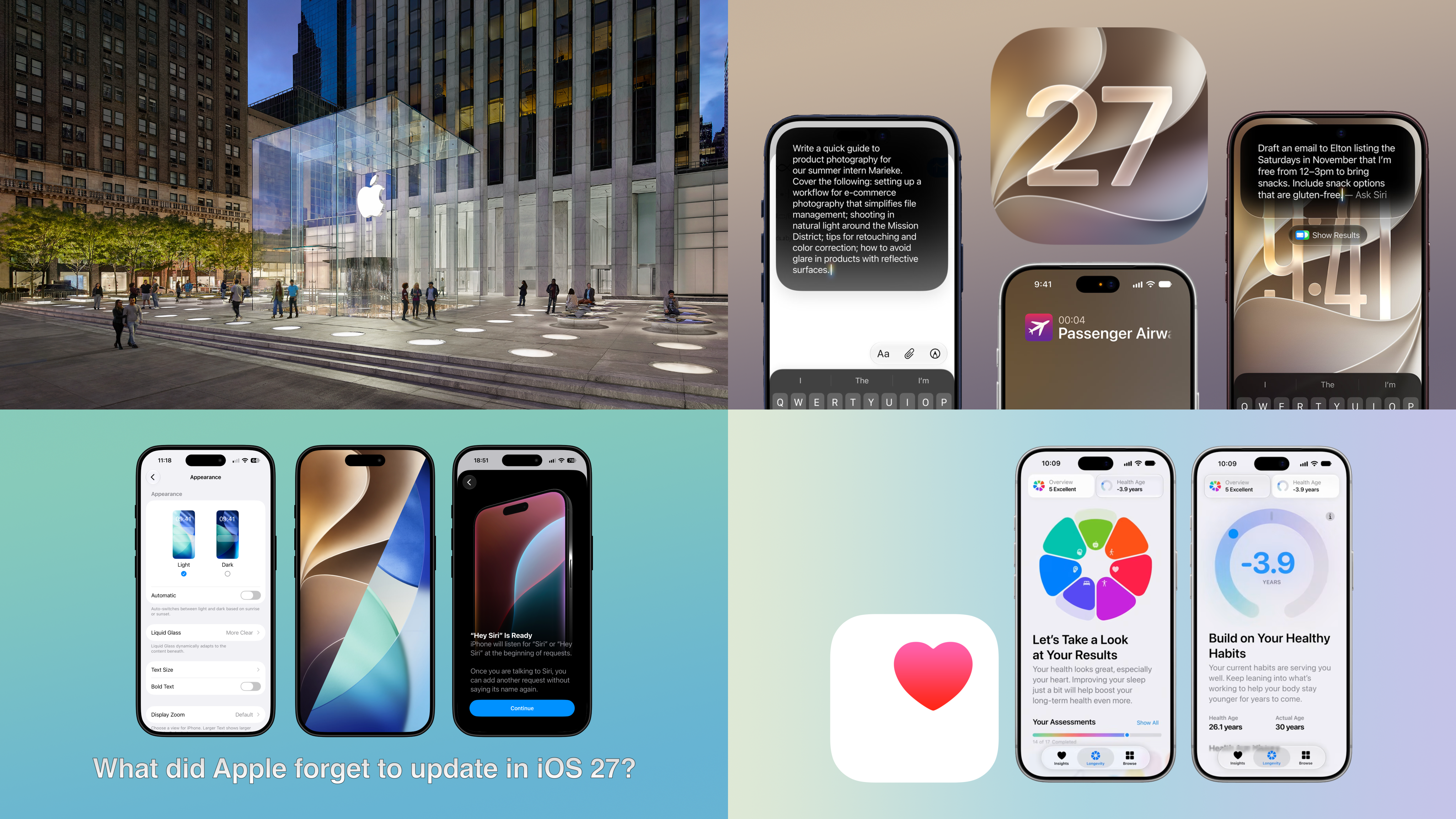
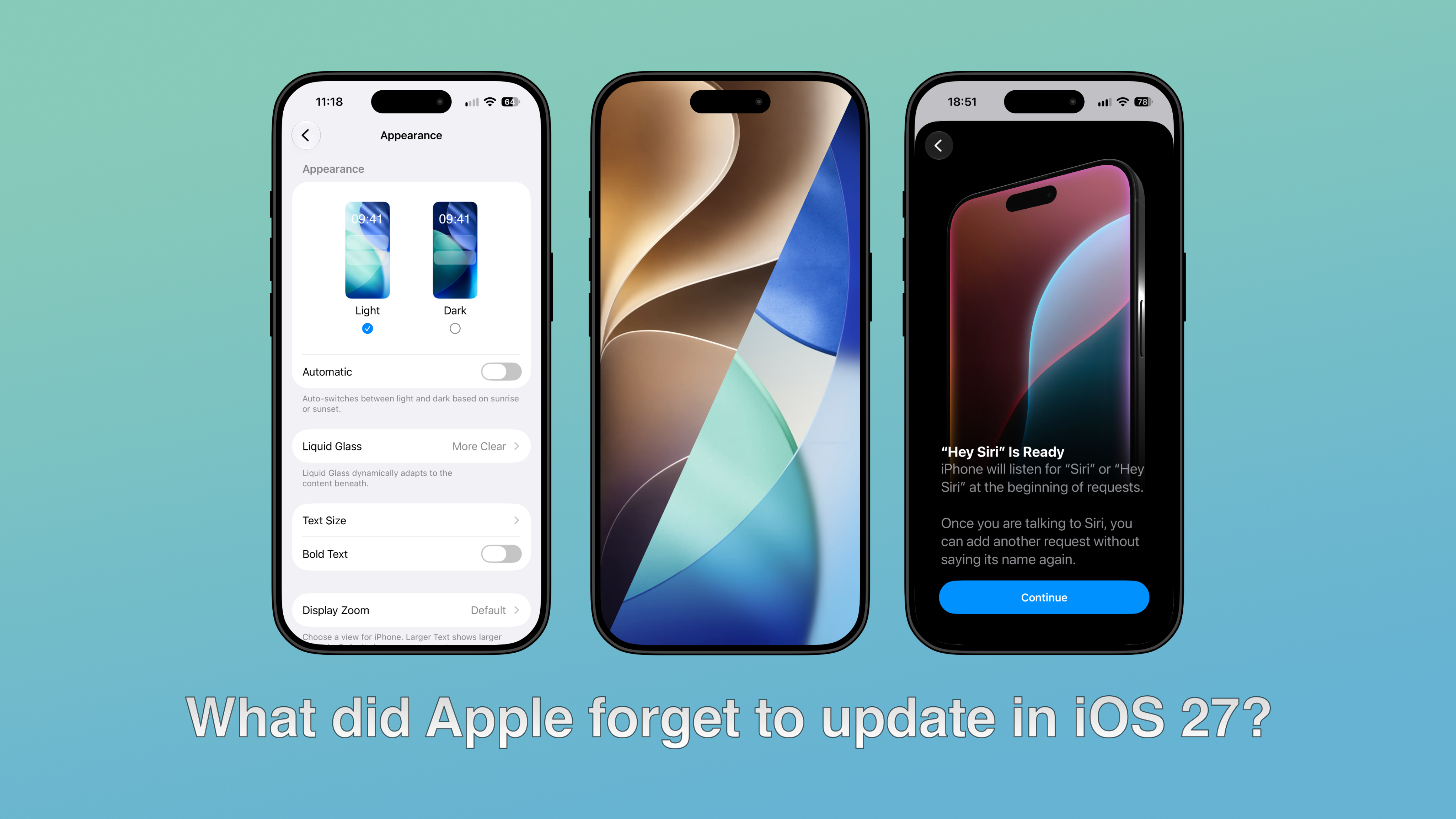
Apple released iOS 27 on Monday, bringing Siri AI, performance boosts and design refinements to the Liquid Glass user interface (UI). Despite all these changes, Everything Apple has found elements of iOS 26 (and even iOS 18) that remain in iOS 27.
Find My
When you open Find My, you'll discover a redesigned bottom navigation bar with a new icon for the Items tab and a new interface when you click on your device or a person.
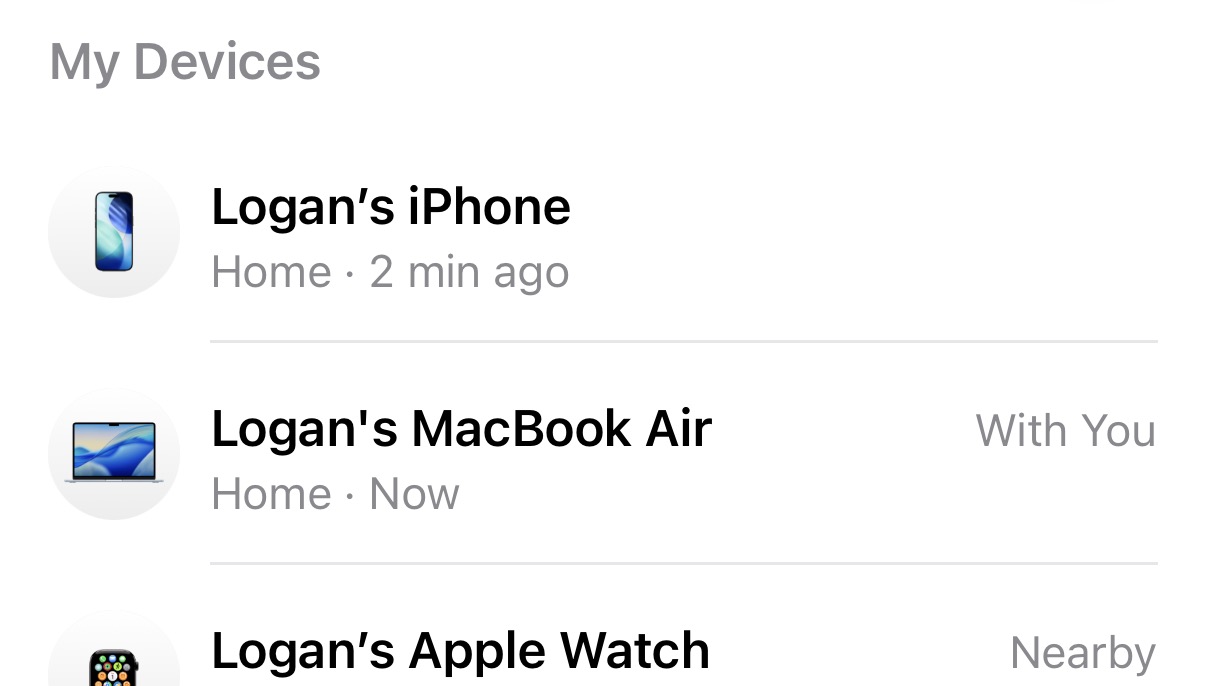
However, you may notice that your device icons still use the blue wallpapers from iOS 26. This extends across iPhone, iPad and Mac.
Apple Account page in Settings
In the Settings app on iPhone, you can click your profile at the top to navigate to the Apple Account page. This page gives you an overview of your personal information, subscriptions, Apple services and devices connected to that account.
It is a similar story with the device icons here, showing the old iOS 26 artwork instead of the new default iOS 27 wallpapers.
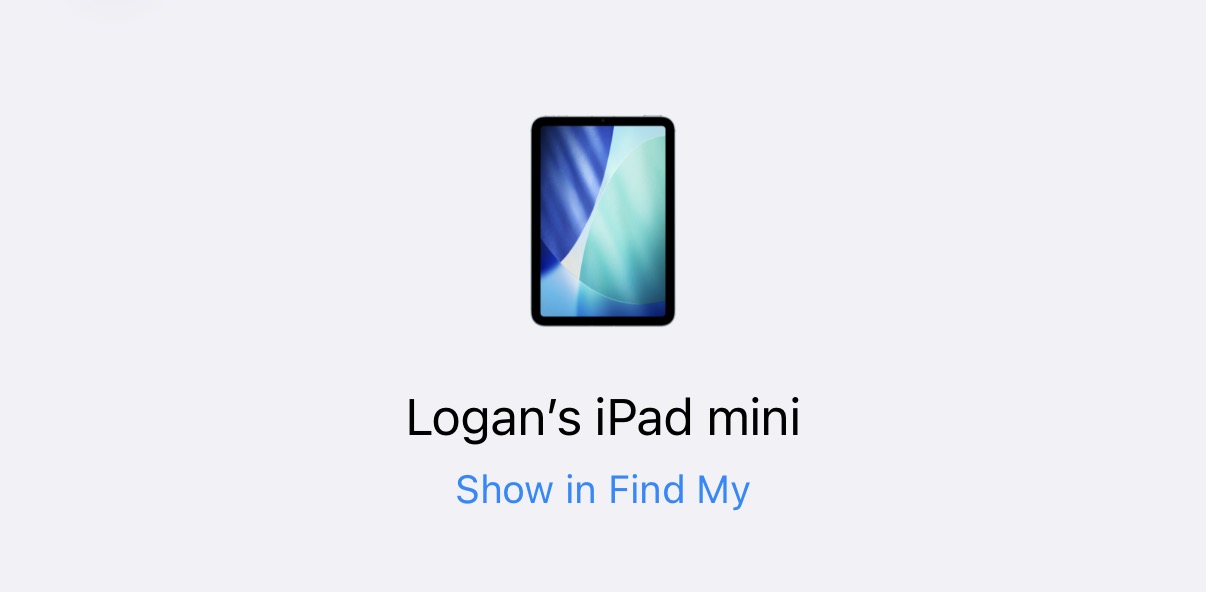
iOS 18 Artwork Appears During Siri AI Setup
Wallpaper from iOS 18 has managed to survive through iOS 26 and into iOS 27, on the new Siri AI setup page.
After updating to iOS 27, my iPhone prompted me to re-setup Hey Siri for better voice recognition, providing an overhauled setup experience and new sounds.
Despite this, on the final page telling me that Hey Siri was complete, Apple shows an image of the Apple Intelligence glowing Siri on an iPhone with the default iOS 18 wallpaper.
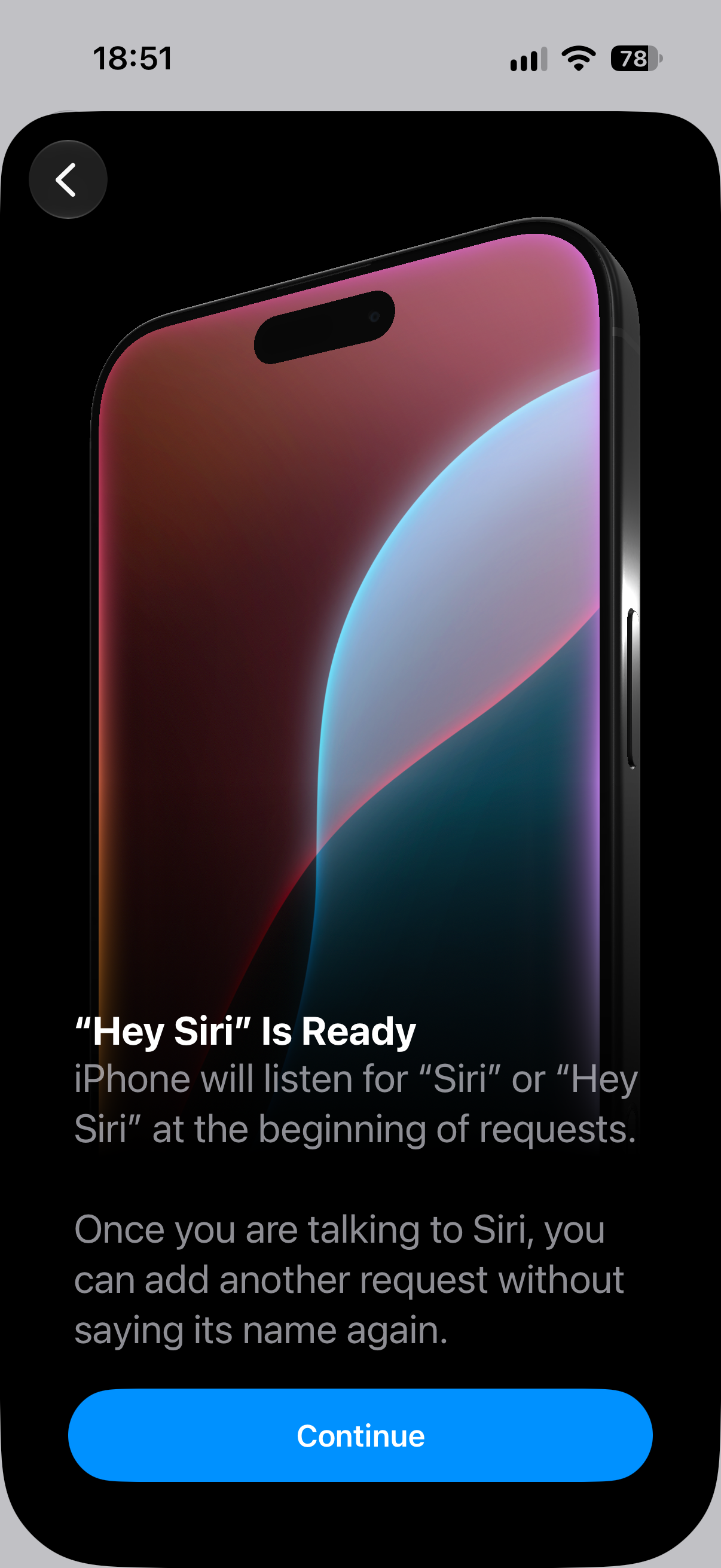
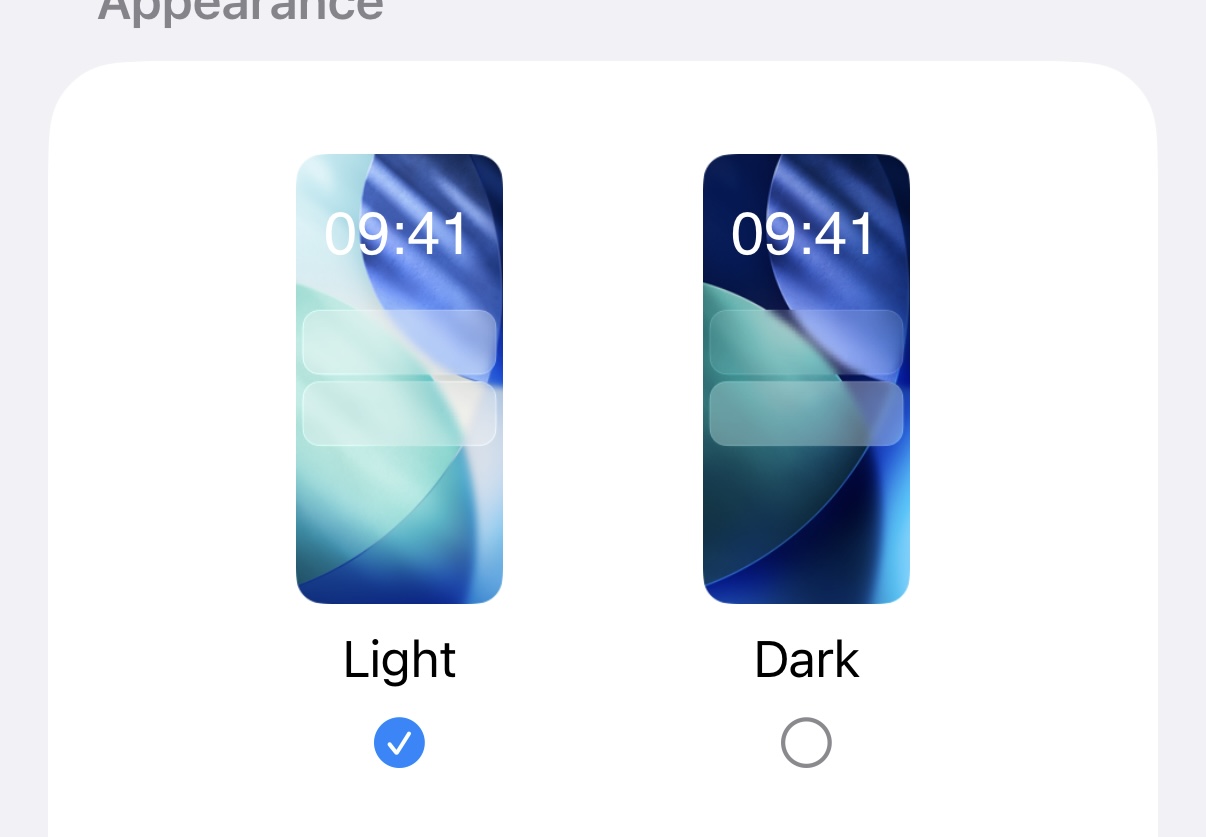
Selecting UI Appearance
When choosing between light mode and dark mode on your iPhone, Apple again shows the iOS 26 default wallpapers as opposed to the new default wallpapers for iOS 27. This is the same for iPadOS 27 and macOS 27 Golden Gate.
Old Rainbow Apple Intelligence Logo Appears
At WWDC in June, Apple introduced new Apple Intelligence and Siri logos. These removed the full colourful rainbow look for a white background with more muted colours.
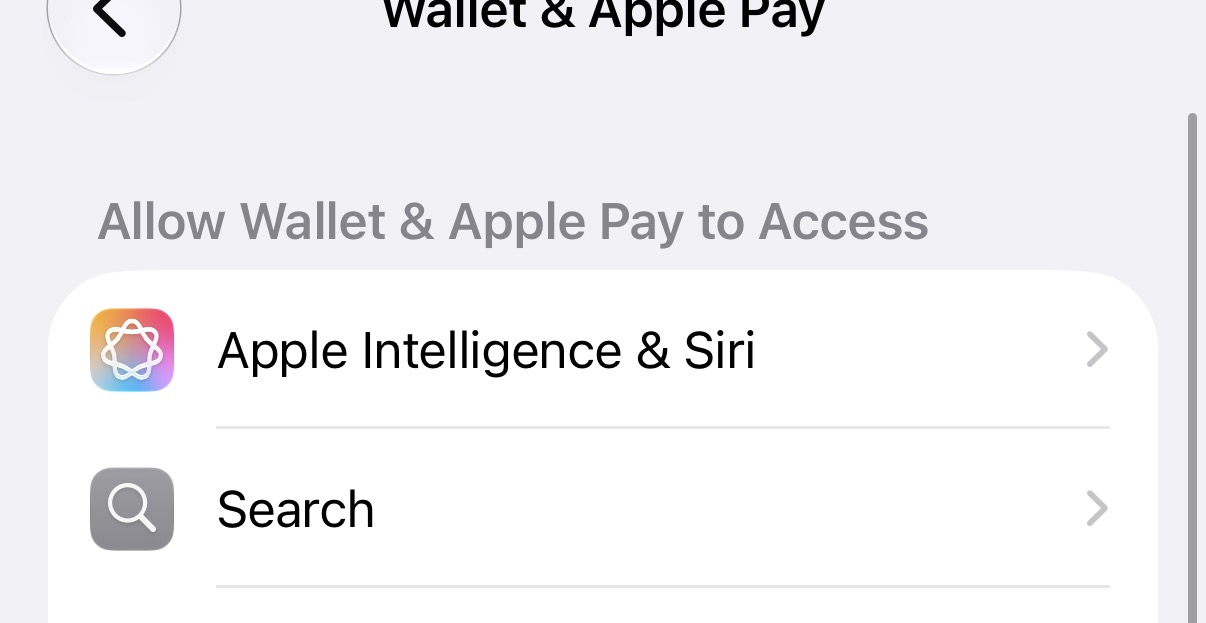
In settings, the Apple Intelligence & Siri tab has also been renamed to simply 'Siri' with the Siri icon.
Despite the redesign, some settings still appear to use the older “Apple Intelligence & Siri” label and icon, including App Settings and Wallet & Apple Pay.
No Liquid Glass on iPhone Continuity feature
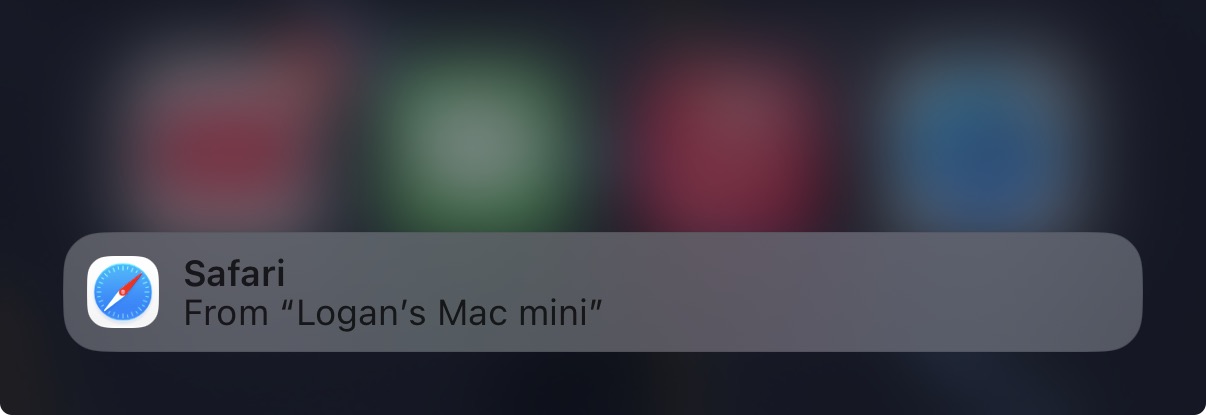
If you use a Mac, iPad and iPhone, you'll know that apps you are using on other devices will popup in your dock for quick handoff.
As the iPhone has a smaller dock, this continuity feature instead appears in the app switcher when you swipe up to view all open apps.
The interface here has not adopted Liquid Glass, instead retaining the older blur design from iOS 18.
Honourable mention: iCloud.com
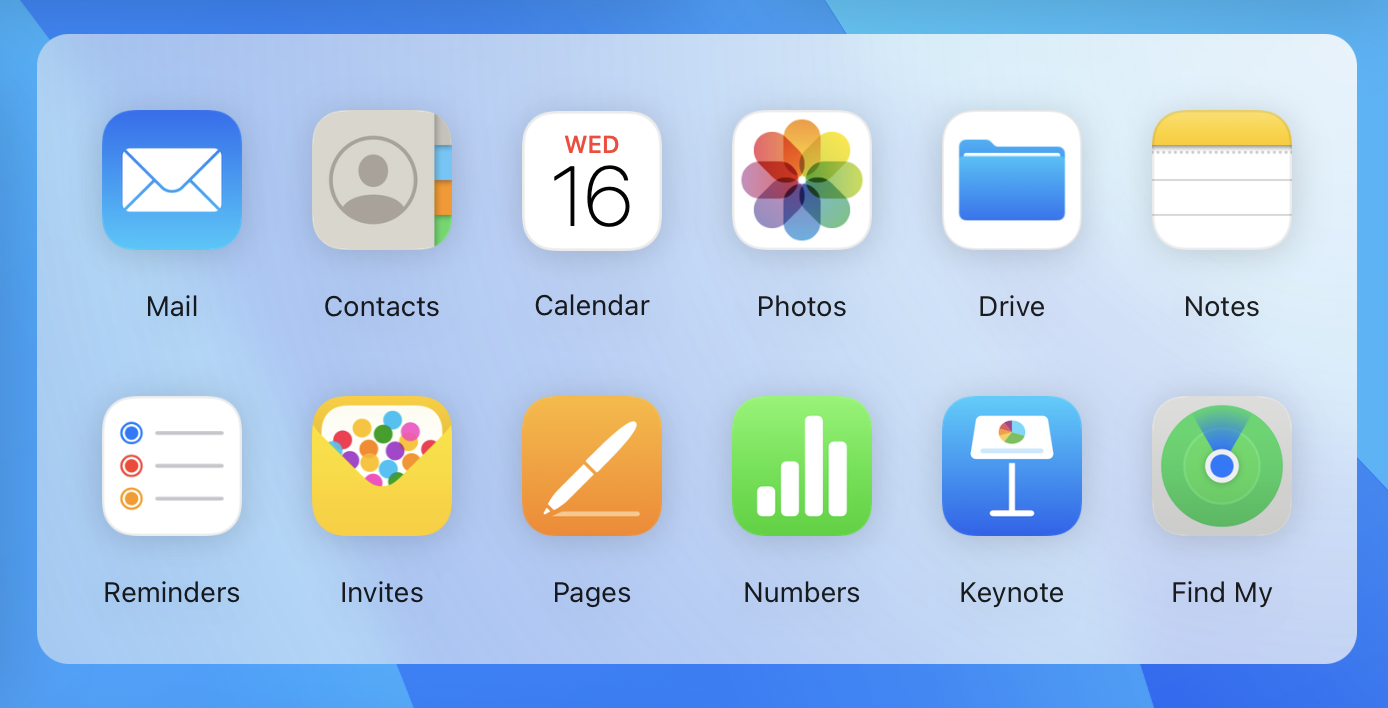
Apple is in no rush to update iCloud.com, which still uses pre-Liquid Glass app icons. The site is beginning to look outdated, compared to the refreshed iOS 27 icons, which brought clarity and glass elements to the icons themselves.
Final Thoughts
These findings are similar to last year, when Apple initially left the artwork in the Displays section of macOS unchanged. Ironically, Apple has remembered to update that artwork this time around.
I'd expect Apple to implement their new artwork and wallpapers across system settings in a future release, such as iOS 27.1, but places where Liquid Glass has not been implemented, such as iPhone Continuity and iCloud.com may remain unchanged for now.