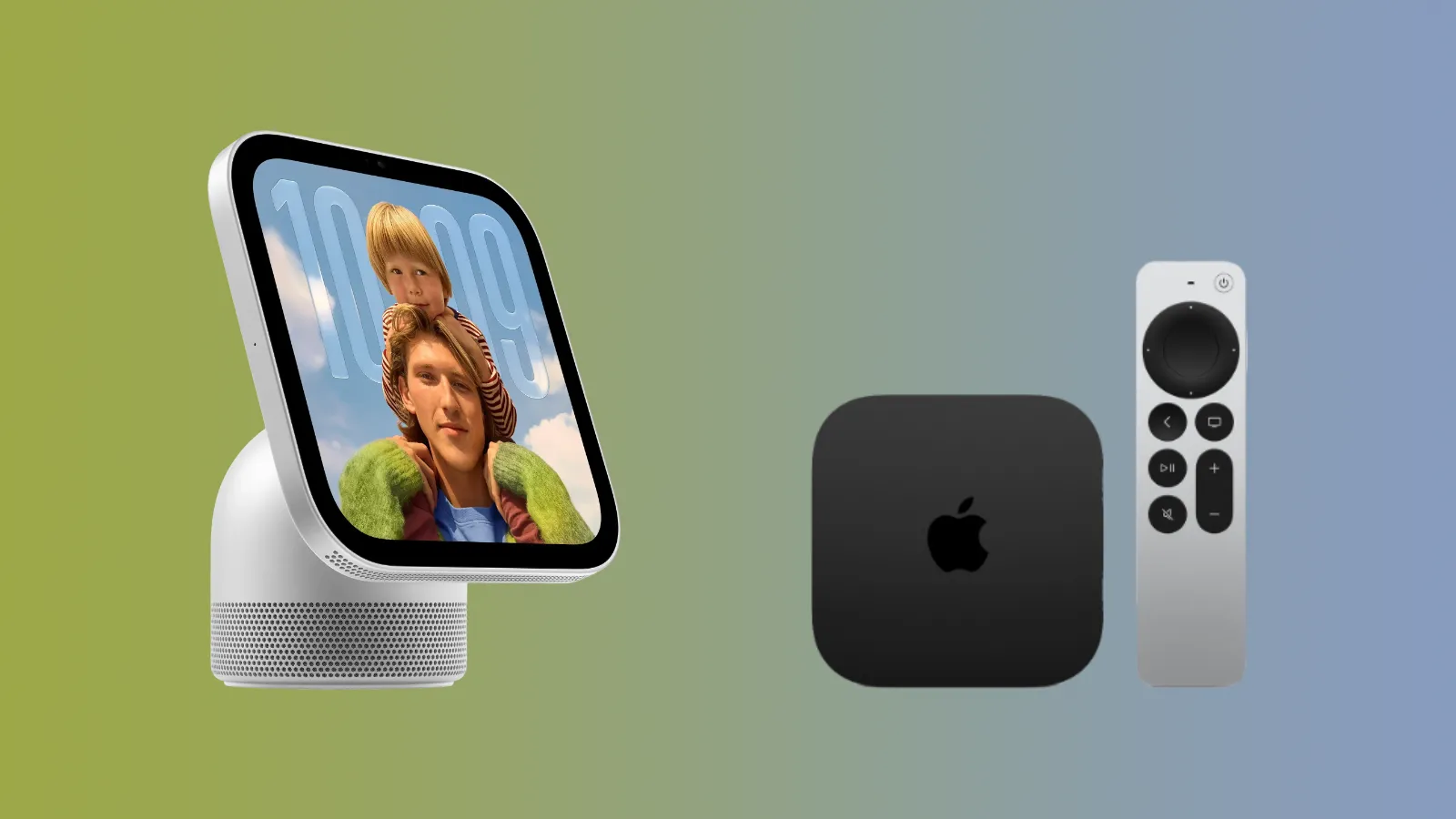
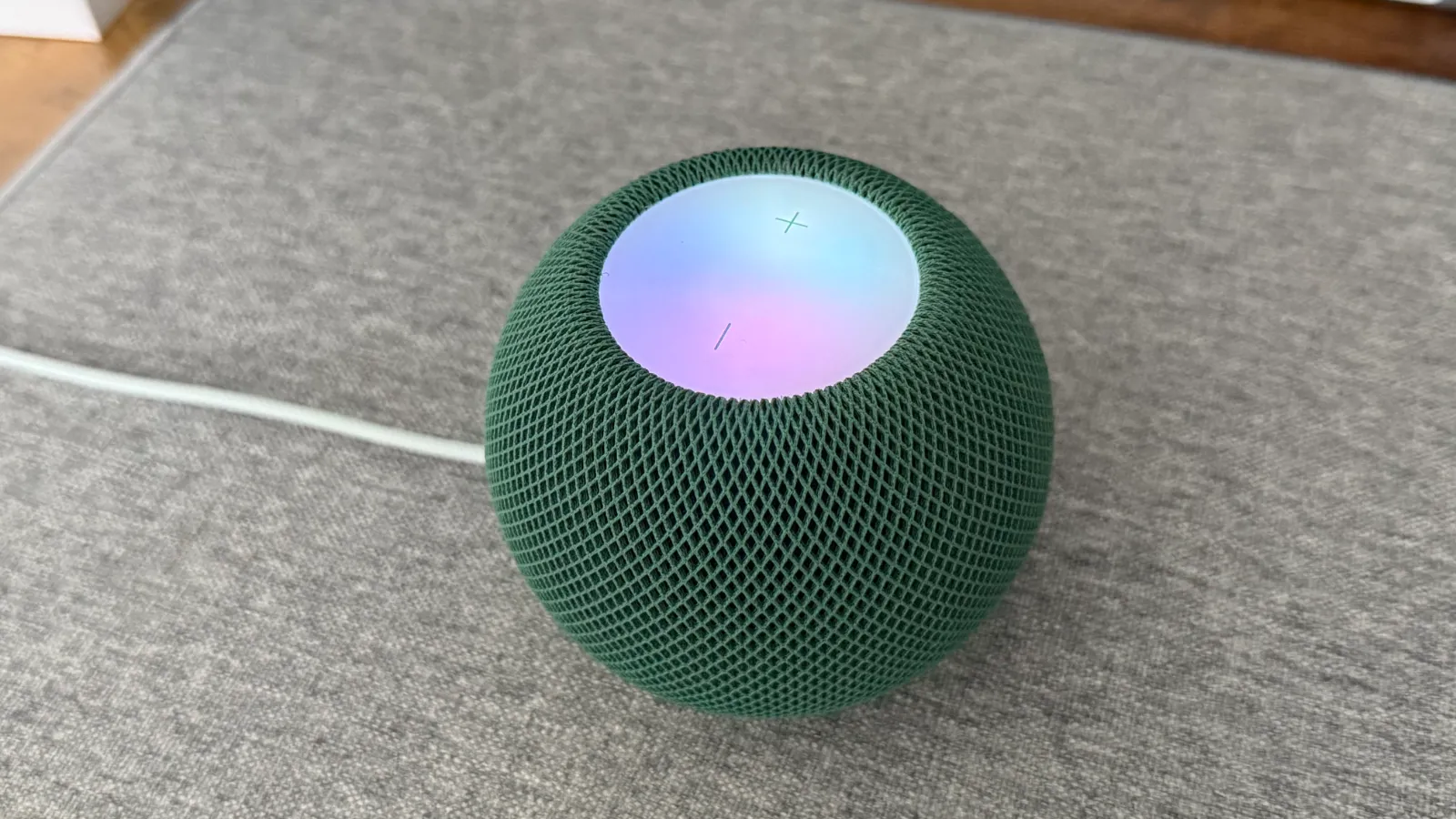
Apple's second-generation HomePod mini has released today almost six years after the first-generation came out in November 2020. The new model is very similar to its predecessor, but has been modernised with a more up-to-date chip, Siri AI support coming later this year and refreshed colours.
We pre-ordered the new model as soon as it was announced two weeks ago, and finally have our first hands-on and unboxing experience.
Unboxing
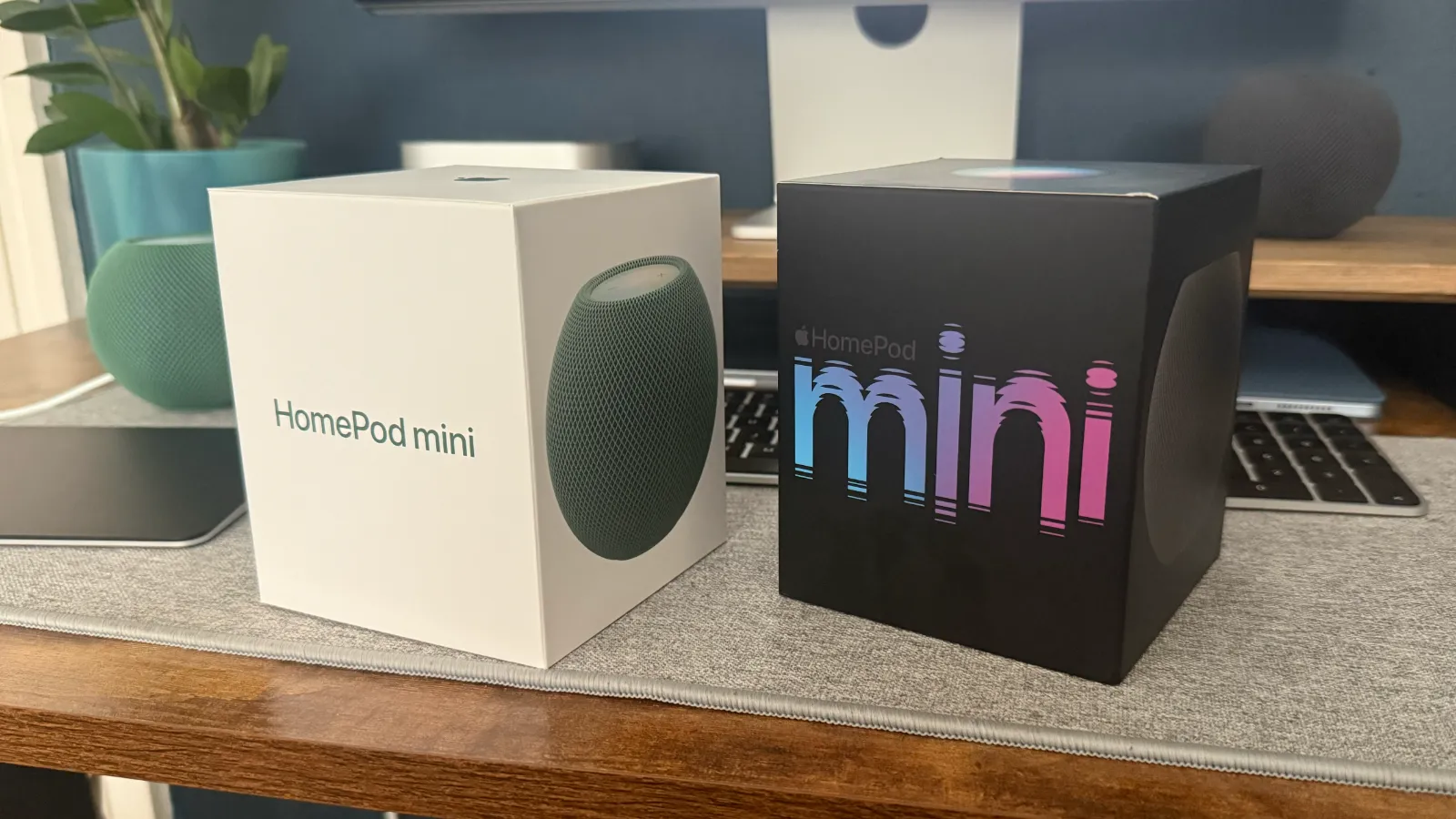
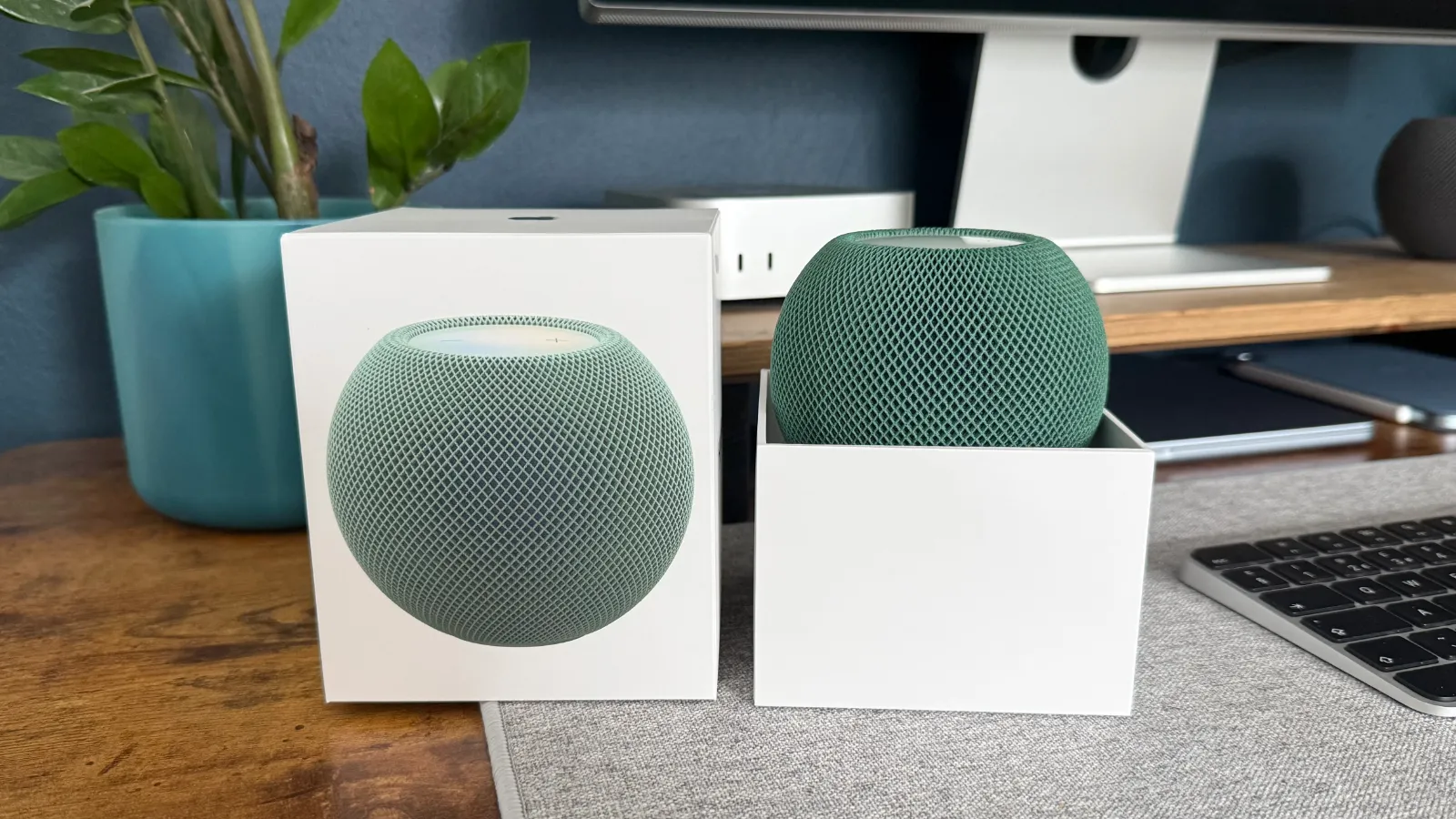
It is a very similar unboxing experience to the previous generation. The box is the same shape and size, and you simply lift the top off to reveal the HomePod mini sat there waiting for you.
However, in the past six years Apple has made some environmental changes to its packaging so here's what's changed.
Colour
The previous generation had colour matching boxes depending on the colour you ordered. My Space Grey first-generation HomePod mini came in a fully black box, with mini written on the side in the Siri colour theme and artwork of the top of the HomePod on the top.
This time, Apple has used its classic white packaging and usual San Francisco font. The text and images are colour-matched to the HomePod mini 2 you ordered, and it has a small colour-matched Apple logo on top.
100% Fibre-based packaging
By the end of 2025, Apple completed its transition from using plastics in its packaging by switching to 100% fibre-based materials. This is up from the 89% fibre-based box used in the original generation.
Also, since the first model, Apple has switched from using a plastic wrapper around its boxes to more environmentally friendly pull tabs to open.
Accessories
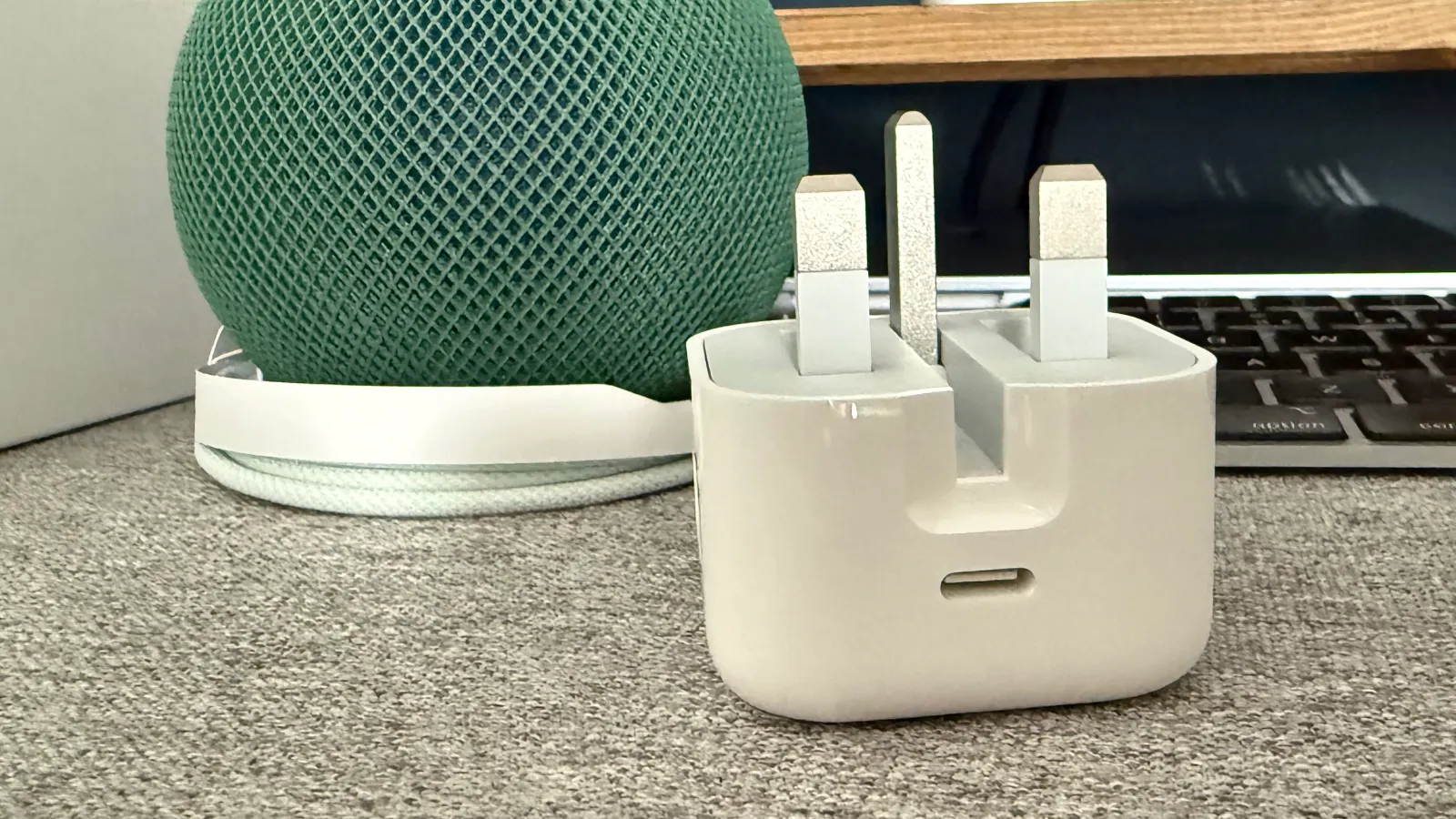
The HomePod mini 2 comes with a 20W USB-C power adapter to plug the device into the wall. The HomePod mini 2 needs a constant power supply to work, and has a built-in power cable that cannot be removed.
Documentation
in the box you also receive documentation with setup instructions, but no Apple stickers. Apple discontinued the stickers in all of its products last year.
Colour
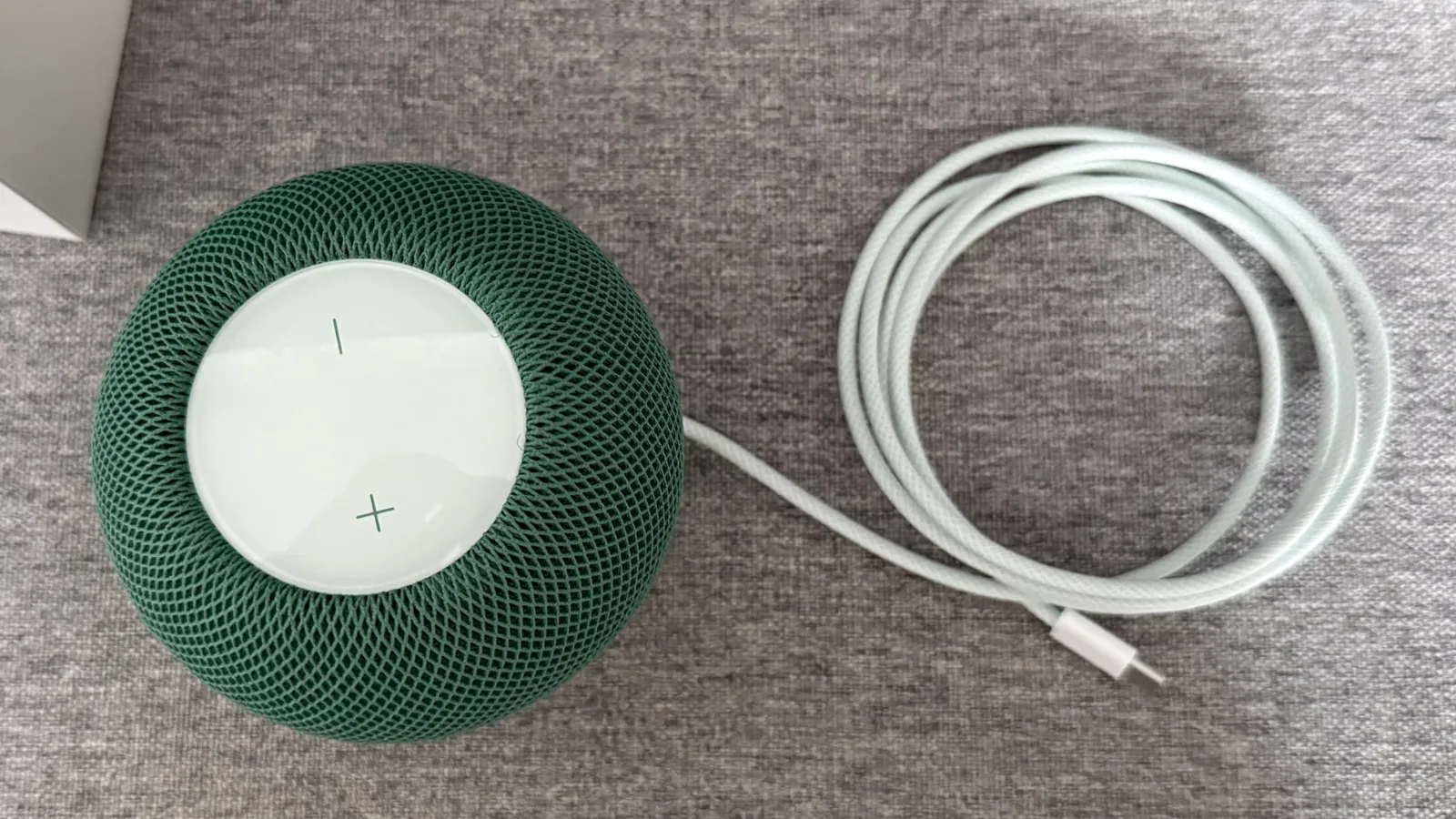
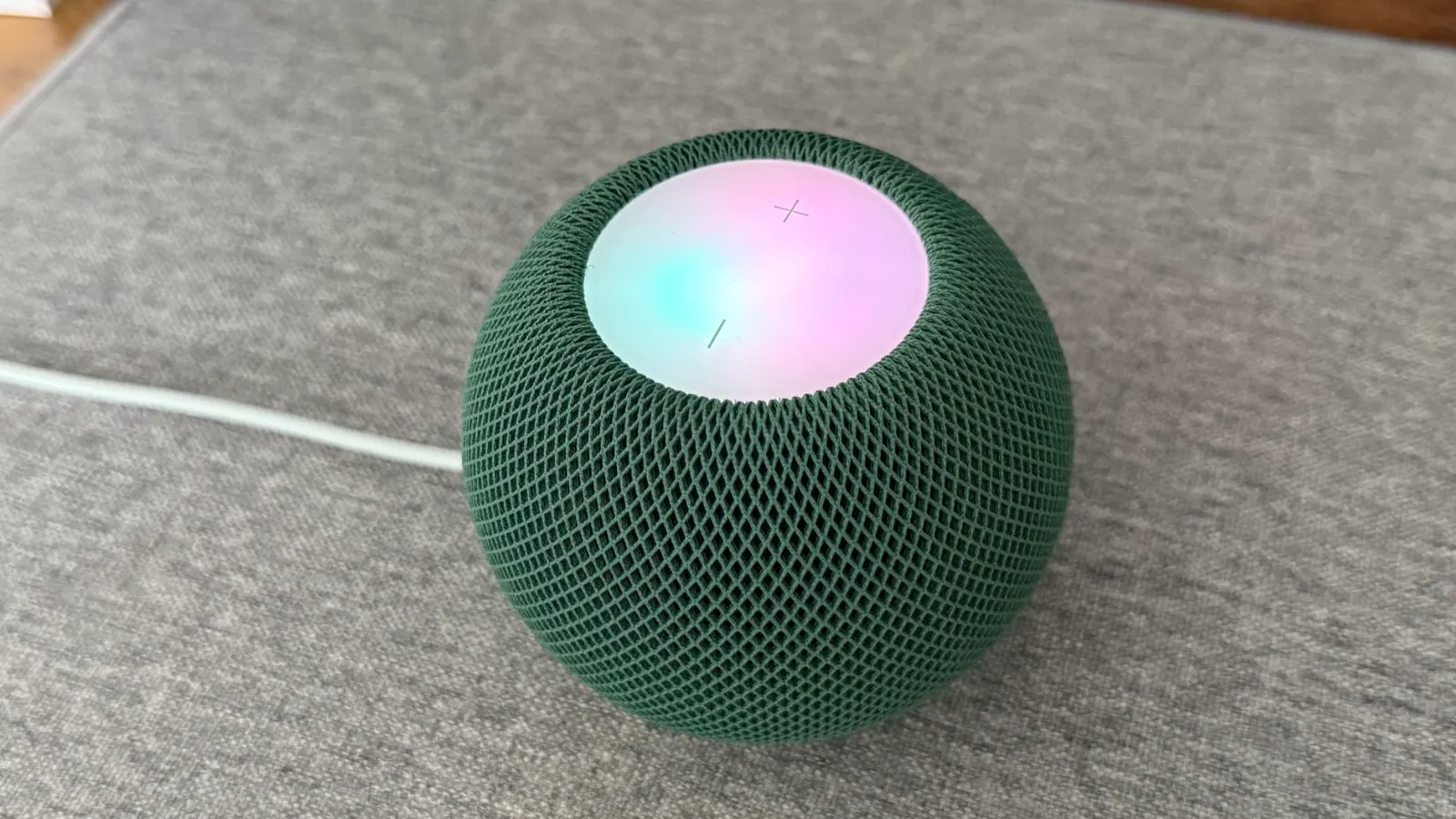
I opted for the Green HomePod mini 2, which has a forest green outer mesh, a green base, green volume up and down indicators, and a white top glass panel.
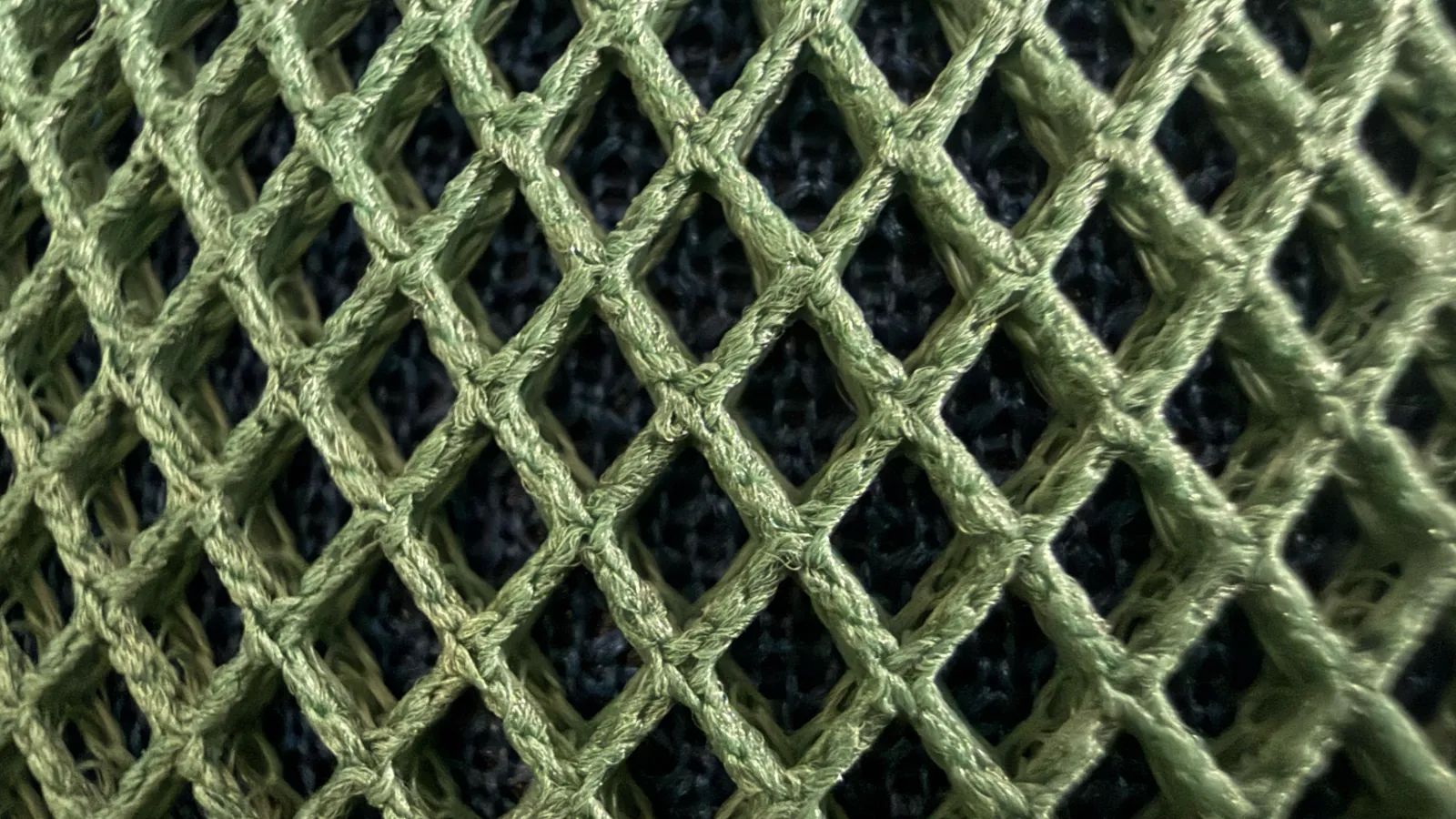
It does also have a blue inner mesh, but it is hard to tell it's there unless you step back. If the HomePod mini is sat near you on your desk for example, it looks purely green.
If you step to the other side of the room, the blue does show through but it is still very subtle.
Here's a close-up look:
Colour-matched Cable
The built-in power cable is also colour matched to the model you ordered, which is a very small attention to detail which Apple first introduced with the Apple Silicon iMac and first-generation HomePod mini in 2020.
What's Changed?
With very little difference on the outside besides the new colour, what has actually changed? HomePod mini 2 is mostly an internal upgrade, alongside software improvements - some of which do extend to the original model.
S10 Chip
Apple has given the new HomePod a major five-generation chip upgrade from the S5 to S10 chip. The S10 was first introduced in 2024, and is in the Apple Watch Series 10, Series 11 and Ultra 3.
This will enable Siri AI, as it has done with the Apple Watch models mentioned above - but more on Siri AI later.
It should also speed up processes when talking to Siri and asking the HomePod mini to take action, such as turning off the lights.
Wi-Fi and Bluetooth
The new HomePod mini 2 supports Wi-Fi 6E, up from Wi-Fi 4 and Bluetooth 6, up from Bluetooth 5.
The Wi-Fi upgrade is a major improvement as loading times are faster and it should struggle less from connectivity issues in the long run. My first generation HomePod mini often lost connection, spamming my iPhone with notifications that the home hub is not responding. Hopefully the mini 2 fixes that issue.
I have already noticed the faster Wi-Fi and Bluetooth speeds during set up, with the device connecting to my Apple Account, updating to 27.2 and AirPlaying content much faster than before.
Bottom Apple Logo
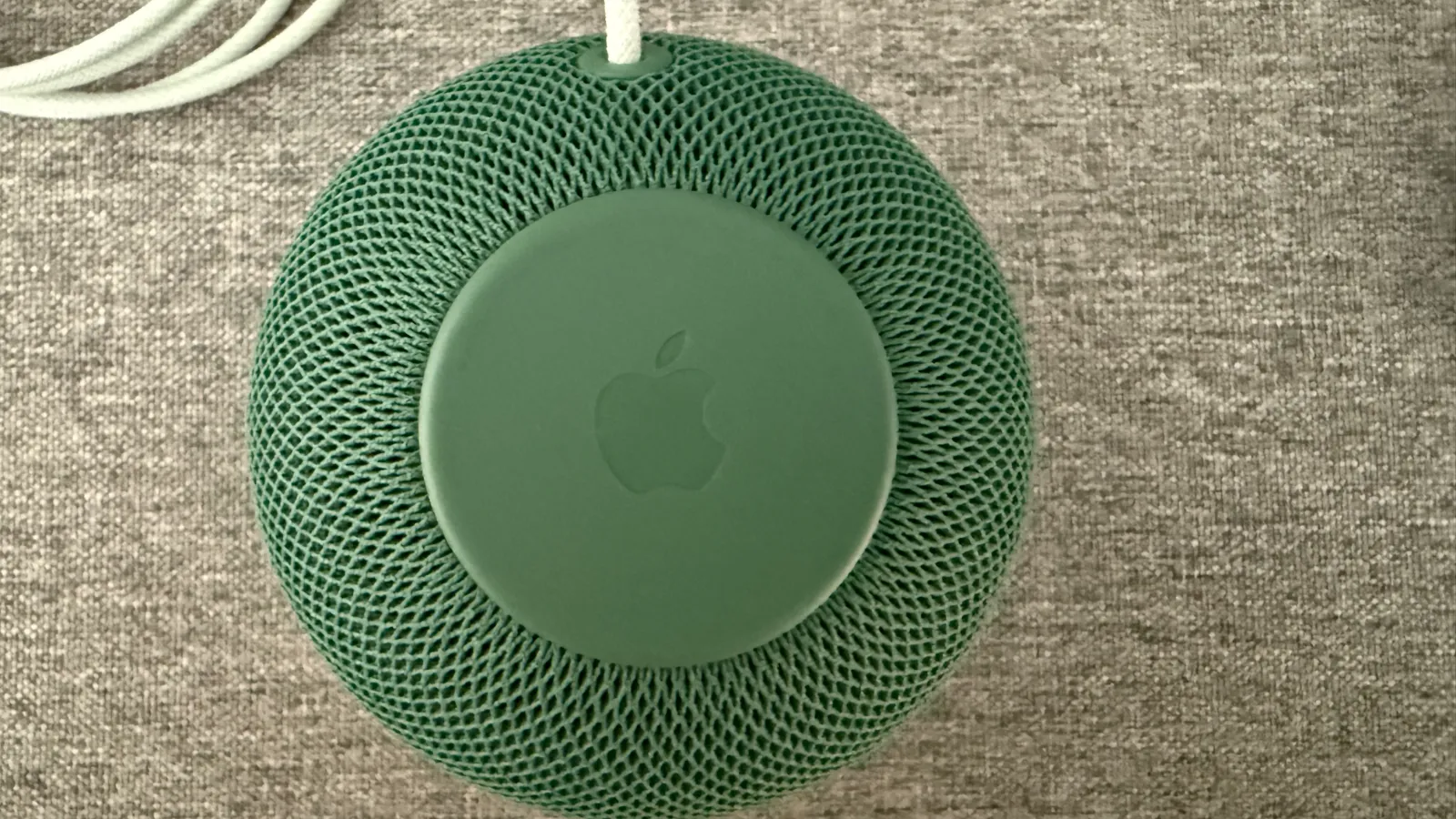
A minor tweak to the new HomePod mini 2 is the bottom Apple logo. In day-to-day use of the product, you won't notice this is there, but if you pick up your new one you can see that the logo is now debossed into the bottom, rather than engraved on.
Mac Speaker
I have already tried the HomePod mini 2 connected to my Mac as a dedicated speaker, and there is no latency lag for live audio when watching content or playing video games with live audio.
Previously, you could only AirPlay your HomePod to your Mac and experience a couple of seconds of lag, meaning it was only useful when listening to Podcasts or Music.
This was one of my biggest complaints with the first-generation, and I am glad this has now been fixed.
Lock Controls
As part of Apple's 27.2 releases earlier this week, it introduced a much-requested control for the HomePod. You can now disable the touch controls on the touch surface.
This is useful to people who never use these controls, as it was easy to accidentally tap and start blasting music or other audio. This toggle also lets you disable the controls to dust the top, as I previously used to unplug the device instead.
Sound Glow
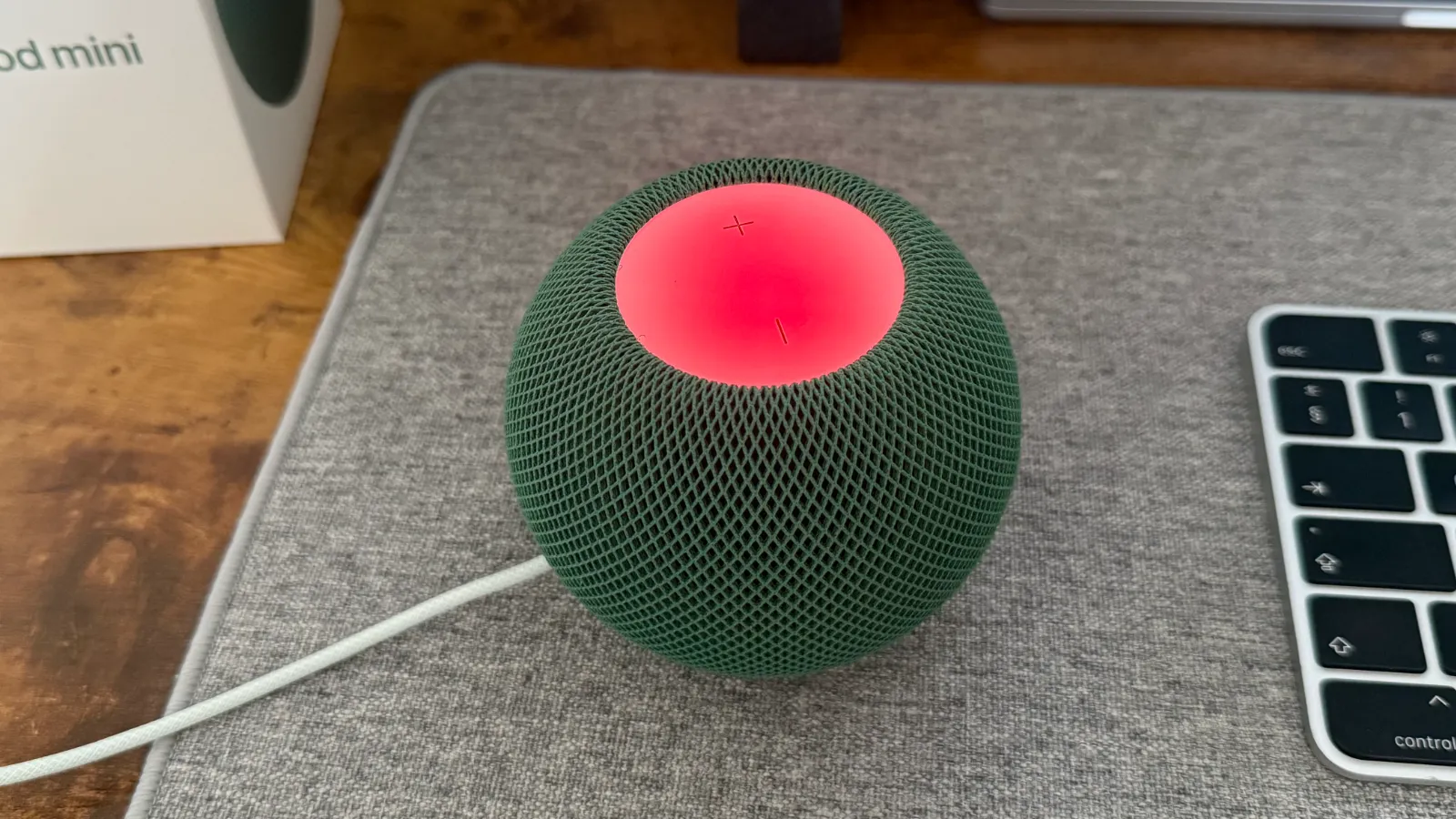
Apple's new Sound Glow feature, where the top can display colours matched to the content you're listening to, was introduced with this device at the Apple Home event in mid-October.
With the release of 27.2 on Monday, this feature came to older HomePod models where the top glass can show the colours of the album art or thumbnail image of the podcast or music you are listening to.
This works just the same on the HomePod mini 2.
Speaker Changes
The speakers sound mostly the same, with little change. I personally can't tell the difference between them, so I wouldn't rush out to buy the new ones if you're looking for a better audio experience.
Of course, the speaker can now connect to the Mac as mentioned earlier, and now supports a 4-speaker surround sound with the Apple TV 4K, which could be separate reasons to upgrade.
Siri AI is coming later
I bought this device for one thing - Siri AI.
The weakest point of the HomePod mini has always been Siri, who struggles to answer basic trivia and most commonly responds with "ask again on your iPhone".
The newer version of Siri is not currently available, but will come out in a software update later this year. This means we could be using the HomePod mini 2 with the classic Siri for up to two months.
Now, I have bought a device on the promise that the newer Siri is coming soon. In late 2024 I bought my iPhone 16 Pro expecting the Apple Intelligence-powered Siri by December, but two years rolled by before my 16 Pro finally got Siri AI in September 2026.
However, this time it feels different. All my other devices are actually running the new Siri, so this time it does actually exist. But, if you're skeptical, wait until Siri AI is actually out on the HomePod mini 2 before you buy.
Final Thoughts
Currently, I only know I have the new HomePod mini because it is Green. The current software, capabilities and overall design remain almost the same as the first-generation I have owned for multiple years now.
However, when Siri AI does launch, this is where the new HomePod mini 2 will (hopefully) show off its worth, and the device should be faster in day-to-day use.
The Mac speaker and four surround-sound features are nice upgrades, but I am really waiting for Siri AI.