As Apple is expected to launch its rumoured touchscreen MacBook Pro in the coming hours, Everything Apple has identified several changes across macOS 27 where Apple has adapted its Mac operating system for a touch interface.
Here's an overview of the changes we identified across macOS 27 Golden Gate, from the new markup capabilities of Freeform to the redesigned Apple Maps app on Mac.
Changes in macOS 27
Extend to iPad
If you own a Mac and an iPad, you may know that you can extend your Mac screen to your iPad. This has been around for a long time, but in macOS 26 or older you could not use the iPads touchscreen. Instead, you had to use your Mac’s keyboard and mouse, or use the on-screen buttons Apple put on your iPad screen.
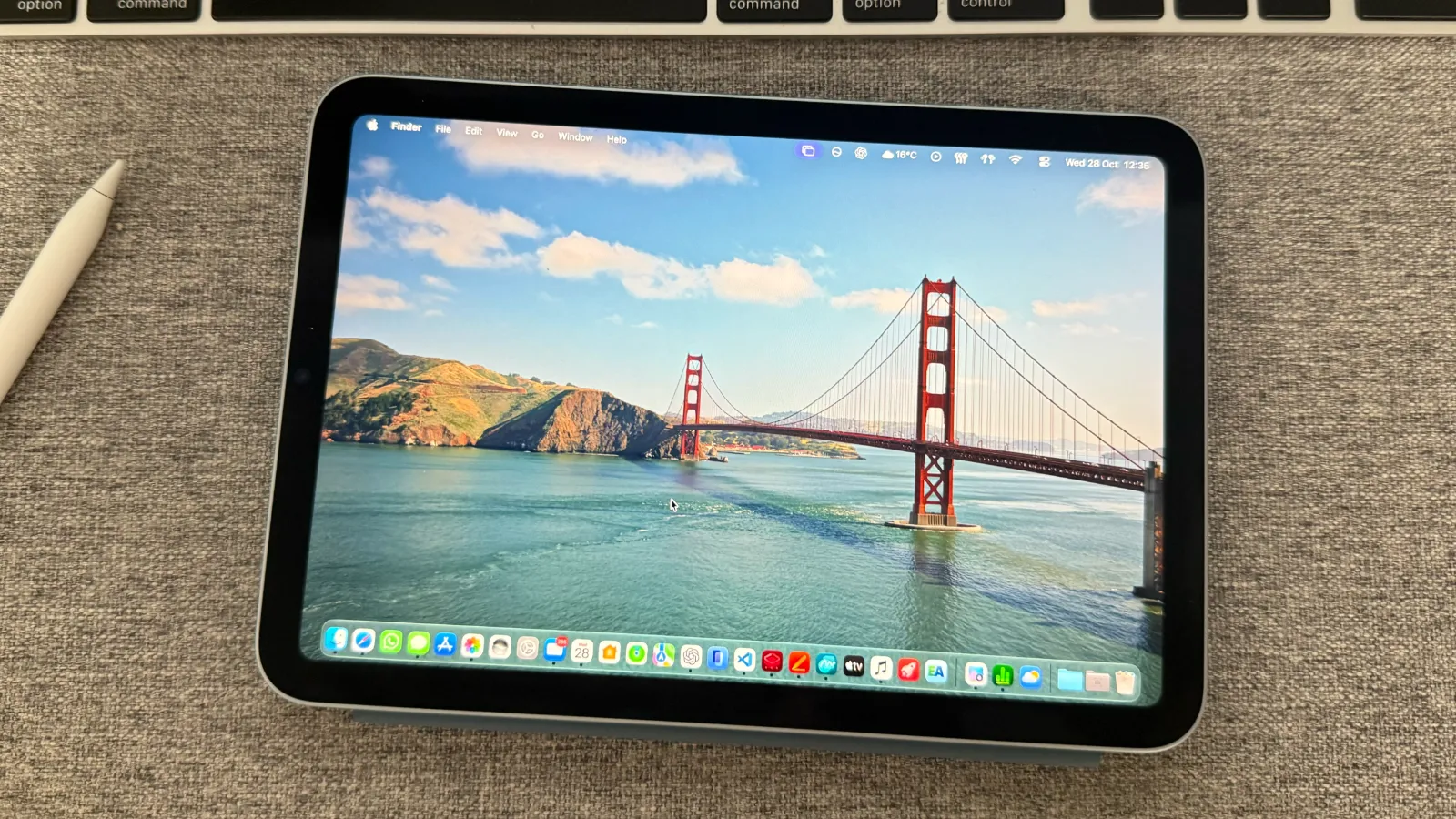
In macOS 27, Apple brought touchscreen to the iPad when extending your screen, and removed the onscreen controls to provide a fullscreen Multi-Touch experience.
This means you can control any Mac with your finger (or Apple Pencil) when extended onto an iPad. It feels oddly native to the iPad, and actually feels like I am running macOS on my iPad.
Freeform
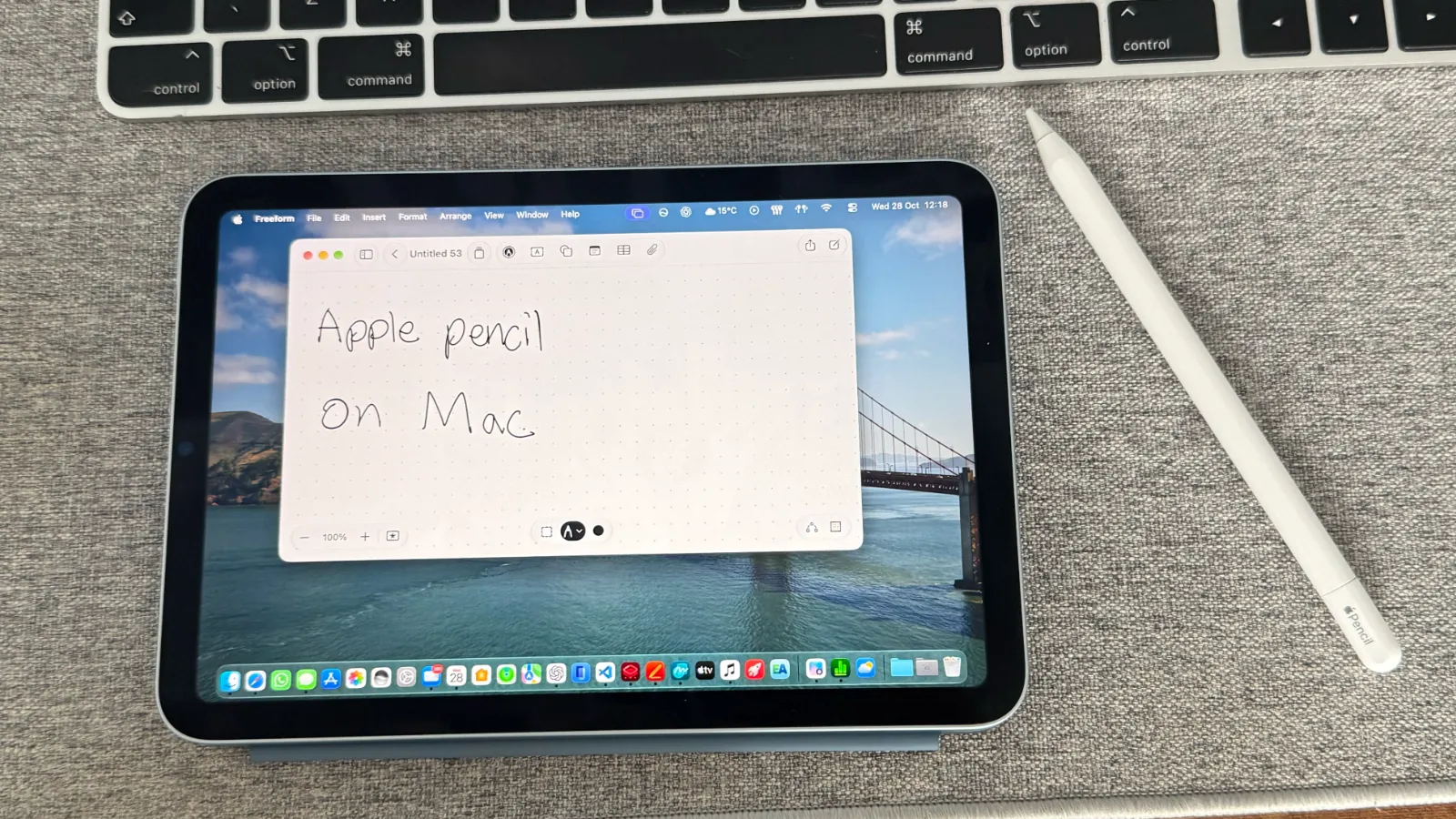
Since Apple launched Freeform in 2022, it infuriatingly did not support markup, which was kind of the whole point of the app. If you wanted to simply sketch a drawing in the app, you had to move to your iPhone or iPad.
In macOS 27, Apple introduced markup support to Freeform, which allowed you to now use your mouse or trackpad to sketch a drawing on Mac. However, if you extend to your iPad, you can now use your finger or Apple Pencil to sketch in the Mac app. Of course, in practice you'd just use the dedicated iPad app, but this shows evidence of how macOS had been adapted for a touch interface.
Apple Maps
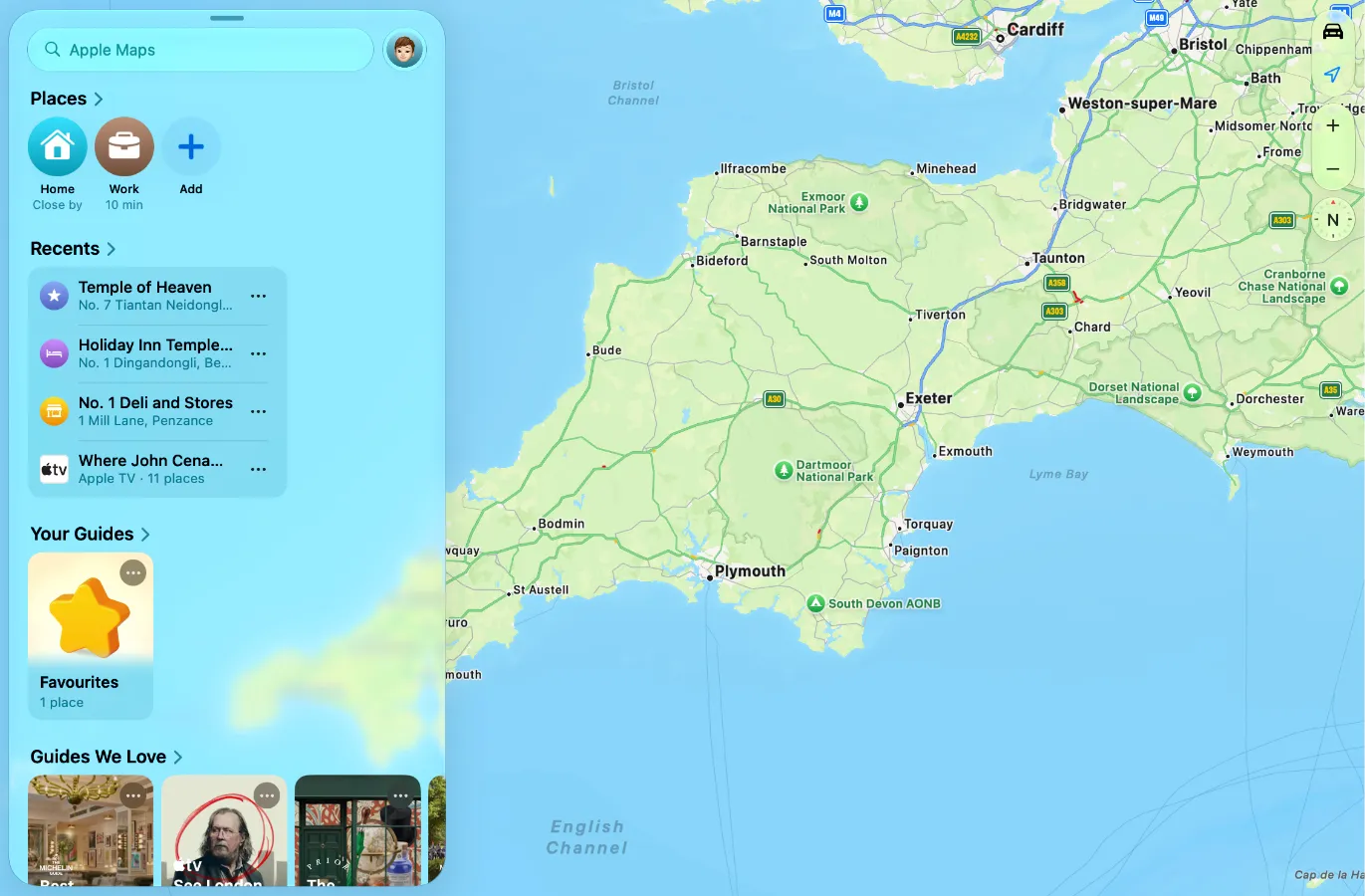
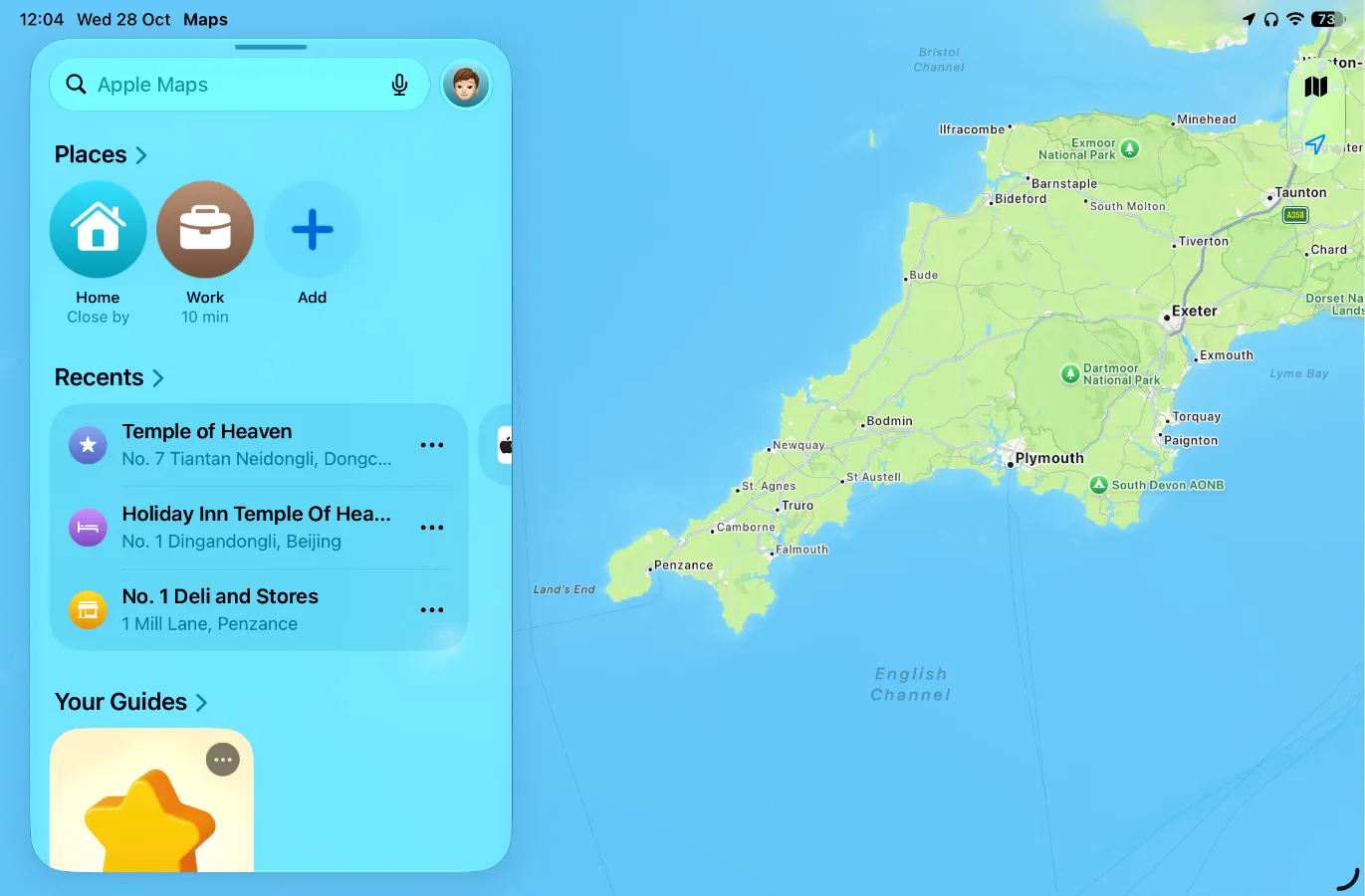
In macOS 27.2 released just a few days ago, the Apple Maps app on Mac has been updated, removing the sidebar and introducing the Liquid Glass sheet that you pull up just like on iPhone and iPad.
The Liquid Glass elements bounce and react to touch and when I entered full screen it felt like I had the native iPadOS Maps app open, rather than macOS.
The image above is the macOS Apple Maps app on my iPad mini. It looks essentially the same as the iPad app, just with a slightly smaller UI. Here is the iPad app for reference:
Safari Changes
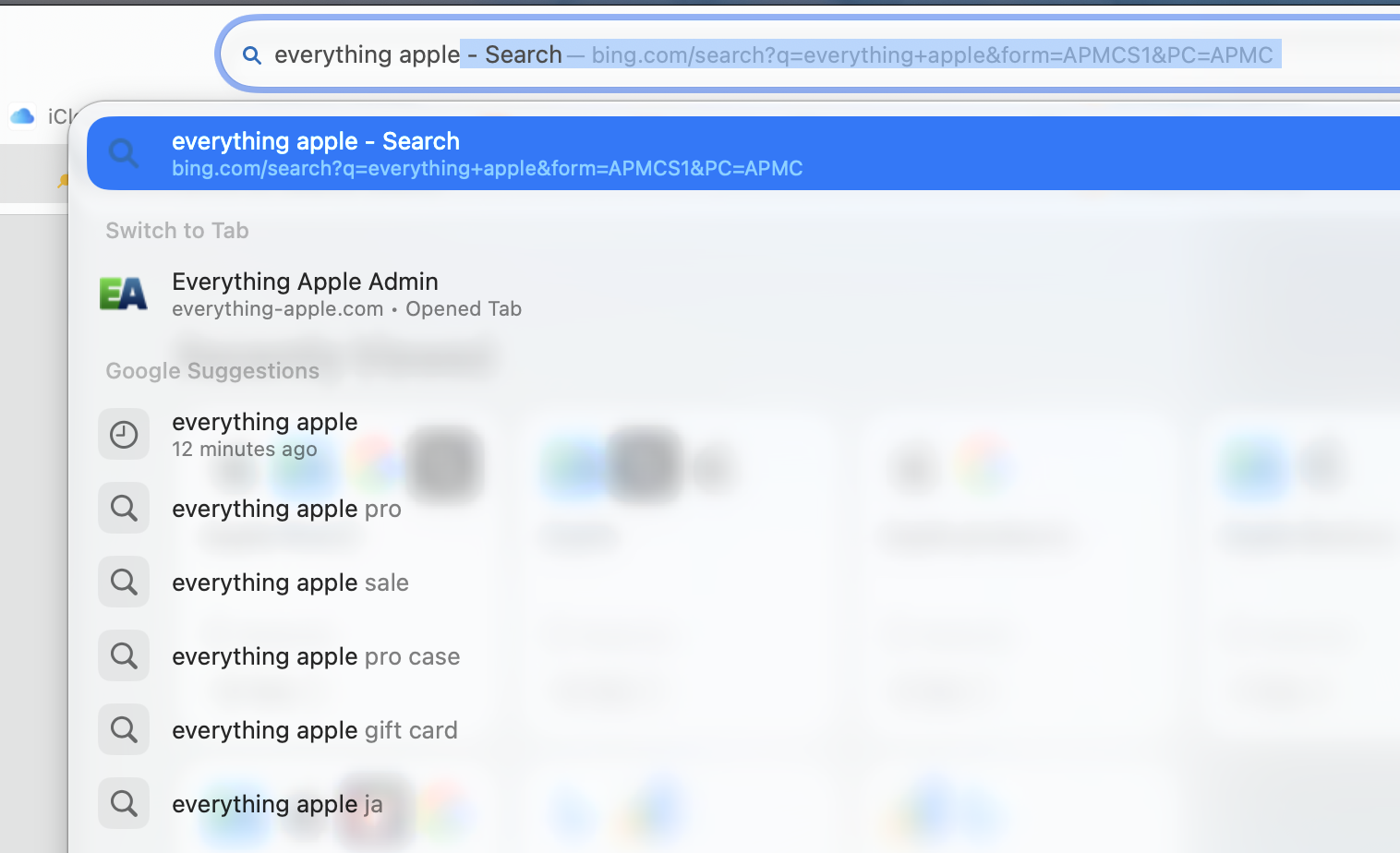
Suggested results in Safari are now wider, seemingly made to be more clickable. Again, the top Liquid Glass buttons also react to touch just like on an iPad or iPhone.
Hints of a Dynamic Island on the Mac?
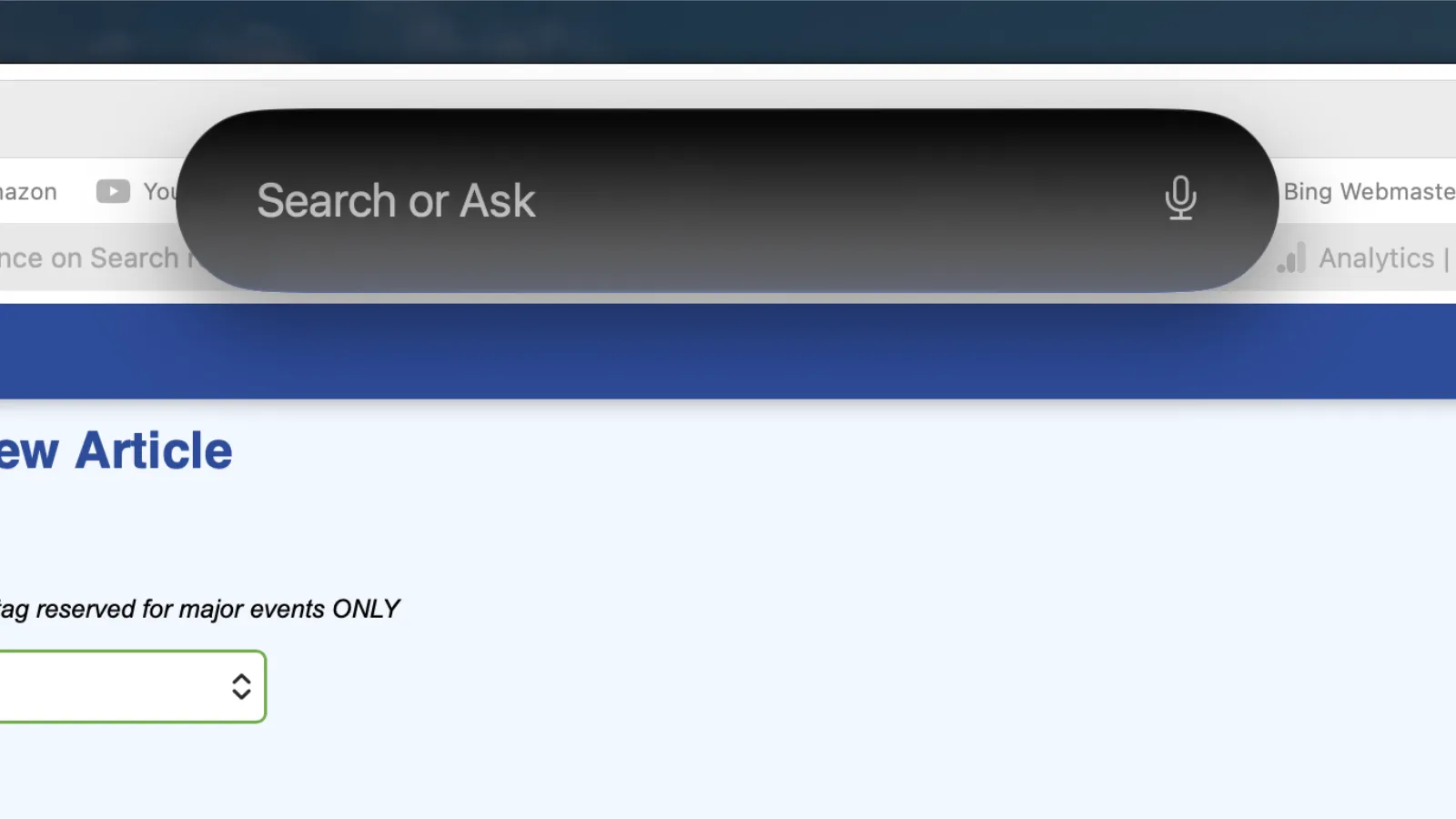
Spotlight and Siri appeared in the top centre of my screen when the touchscreen was connected, which I found odd.
We are expecting the new touchscreen Mac to use the Dynamic Island, which could mean Siri and Spotlight search become integrated as part of it just like on iPhone.
Of course, you can move around Spotlight search on the Mac, but I had not moved it from the centre of my screen when it began appearing here. This could simply be a coincidence, but is something to note.