iPadOS 27
Explore the operating system behind iPad
Get to know iPadOS
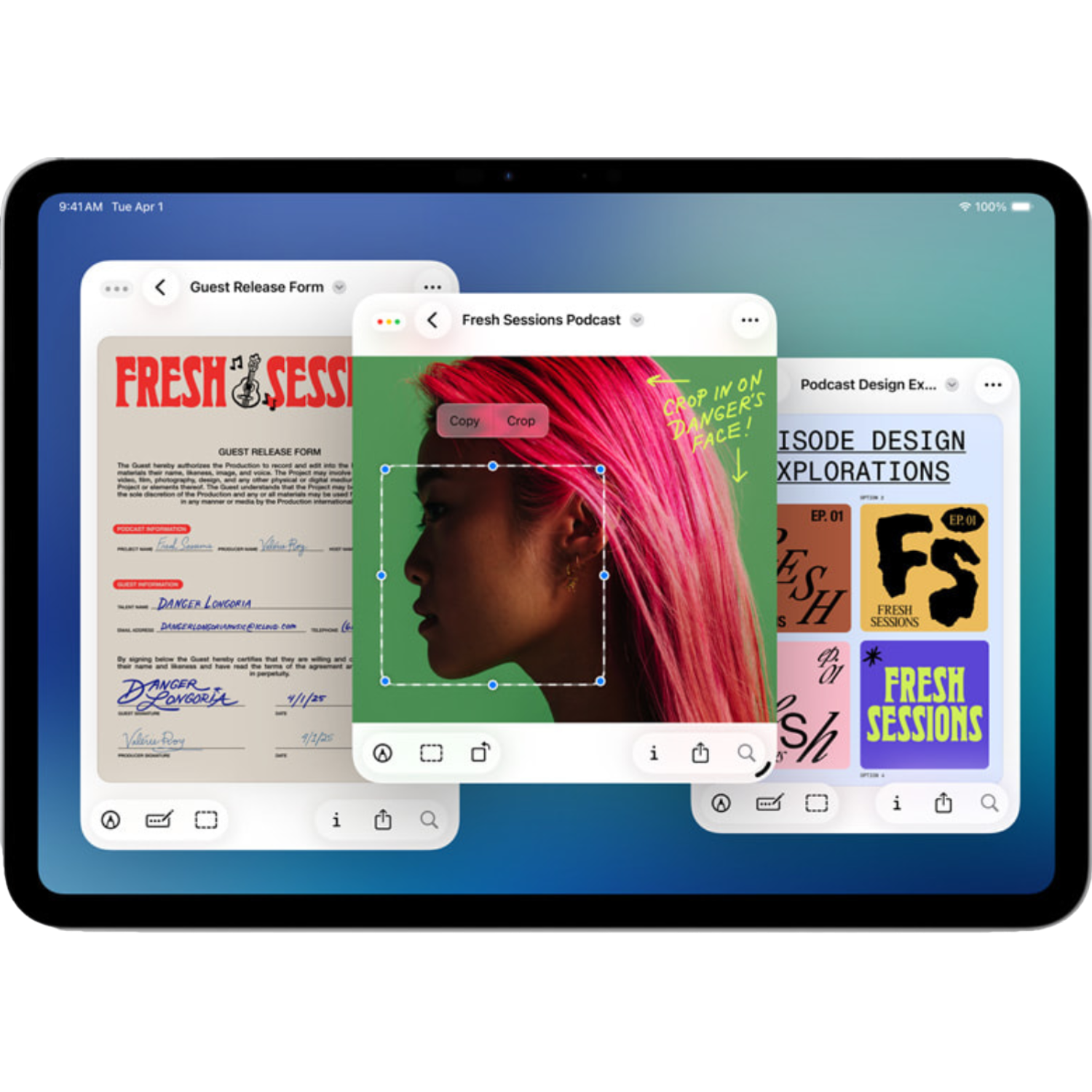
Multitasking
Window your apps so that you can take advantage of the big screen with multiple apps open at once.
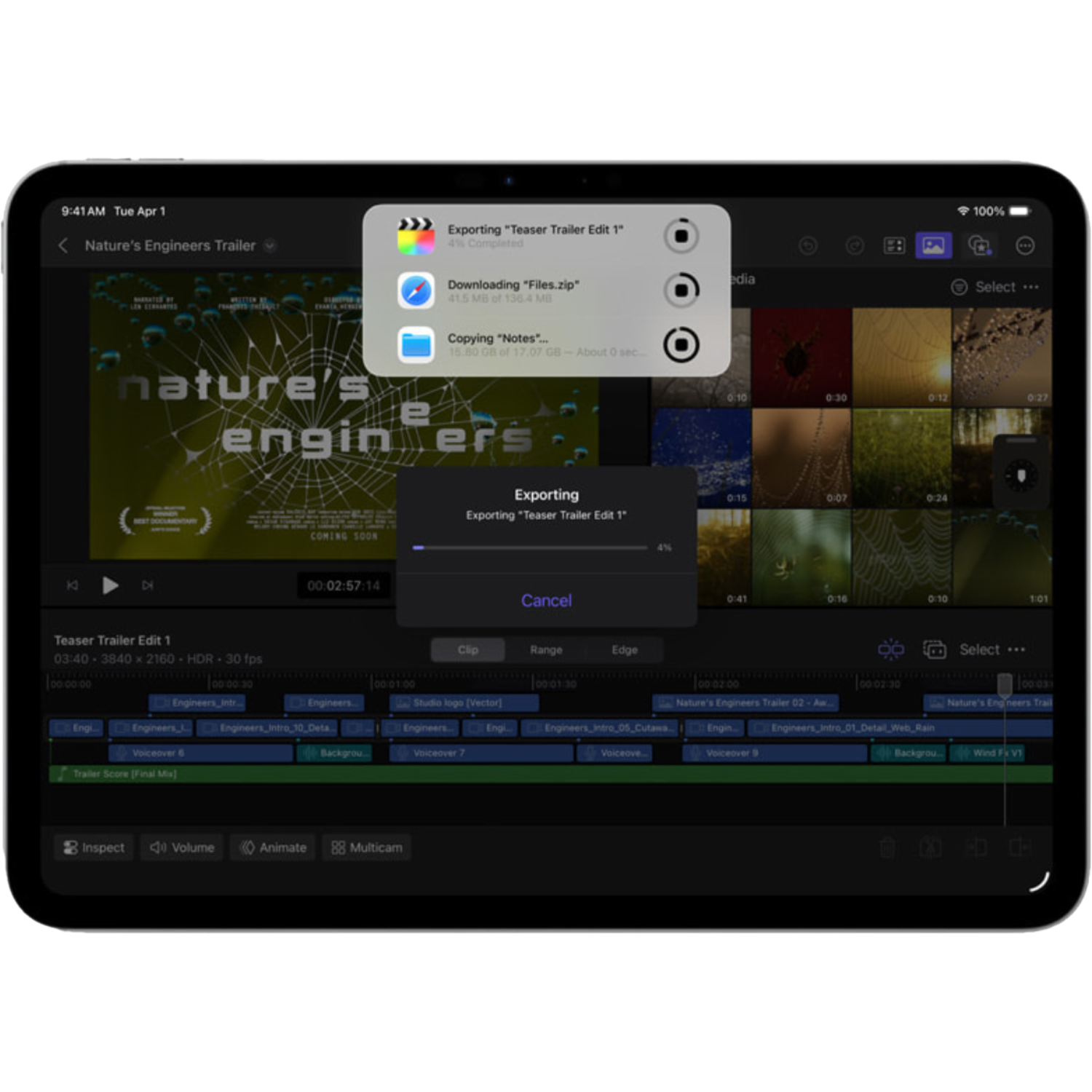
Background Tasks
Apps continue to work when you leave them, so you can get more done at once.
App Store
A secure platform to discover, download, and update trusted apps on iPad.
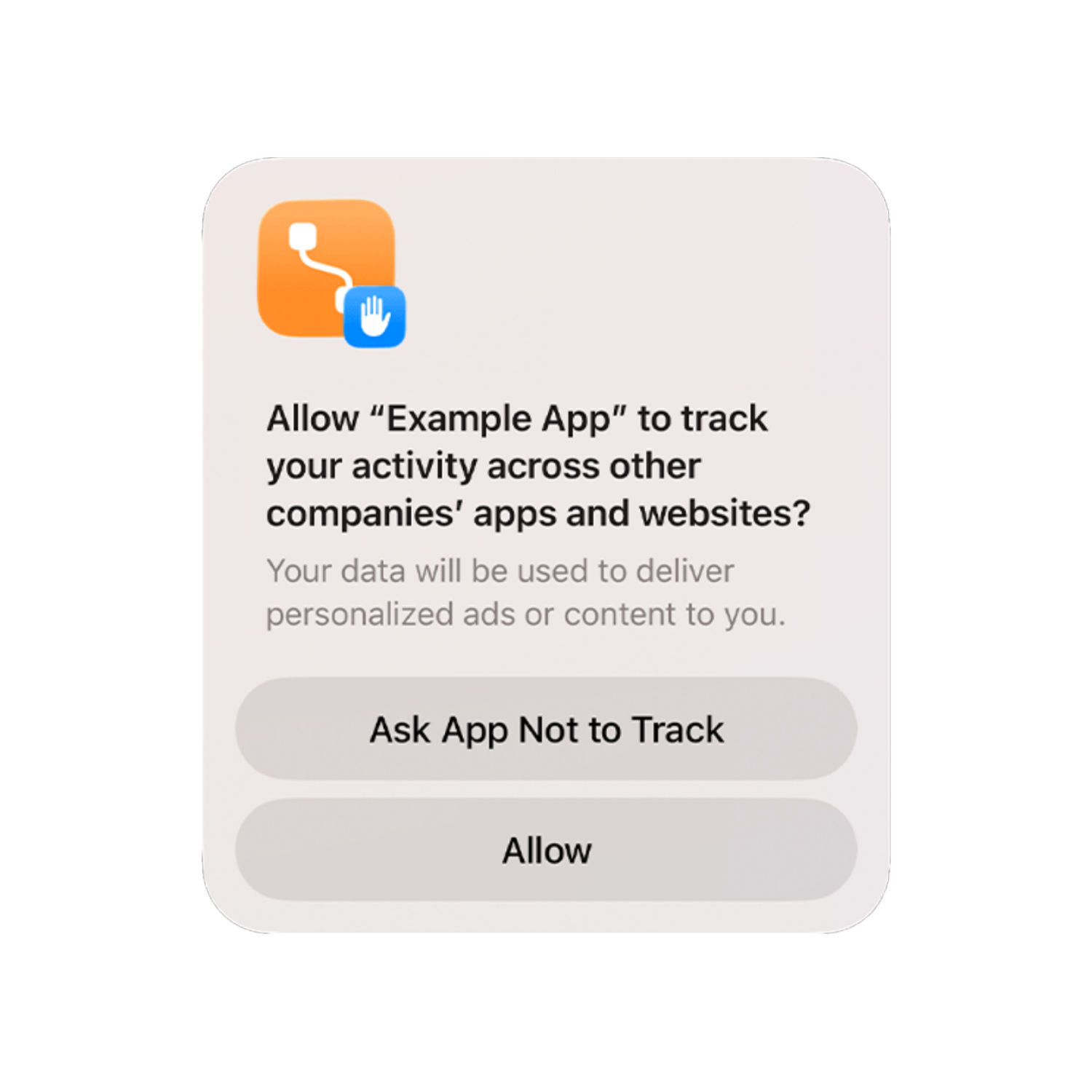
Privacy
Strong on-device protections that give you control over your data and permissions.
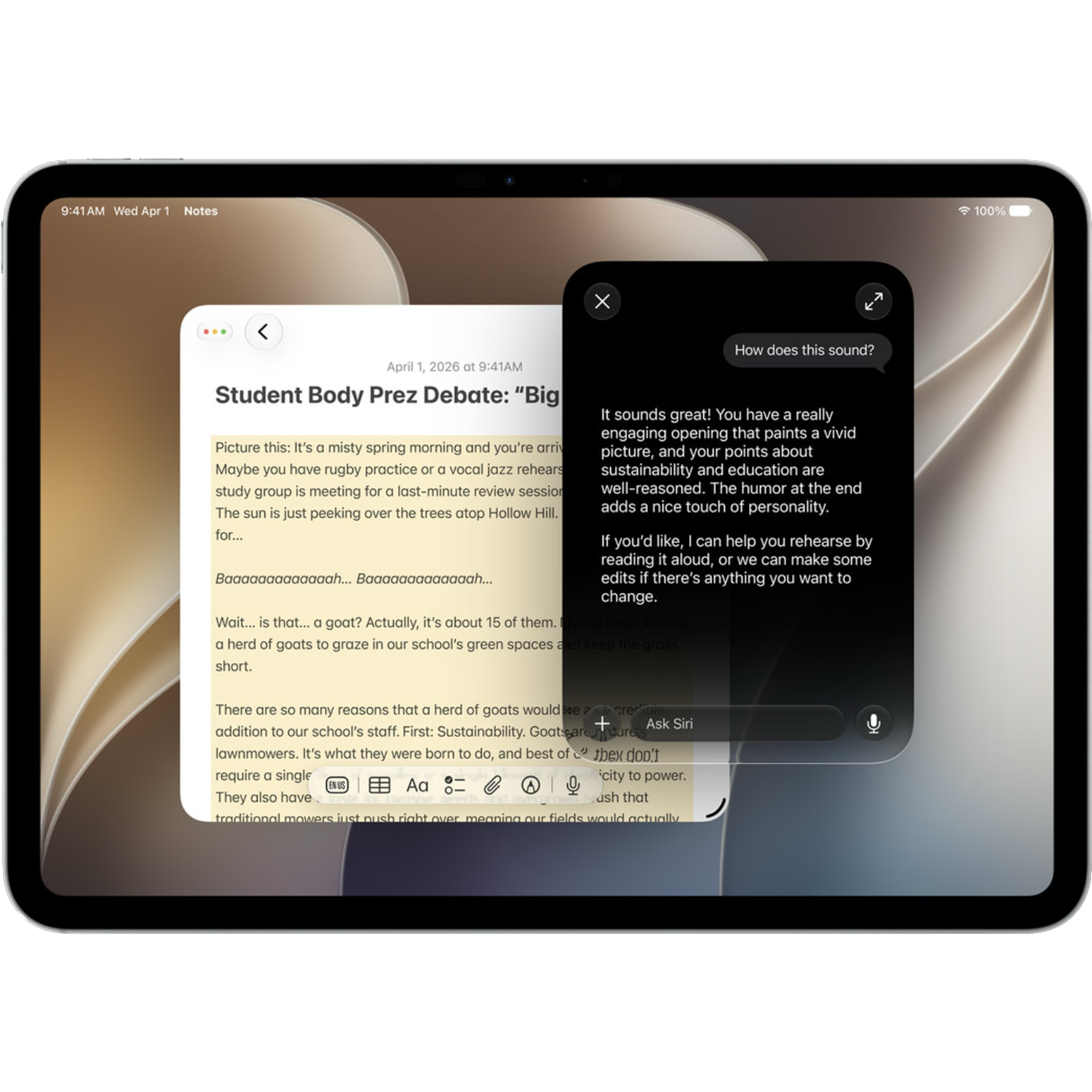
Siri
A conversational intelligent assistant that knows your personal context and can help you get things done.
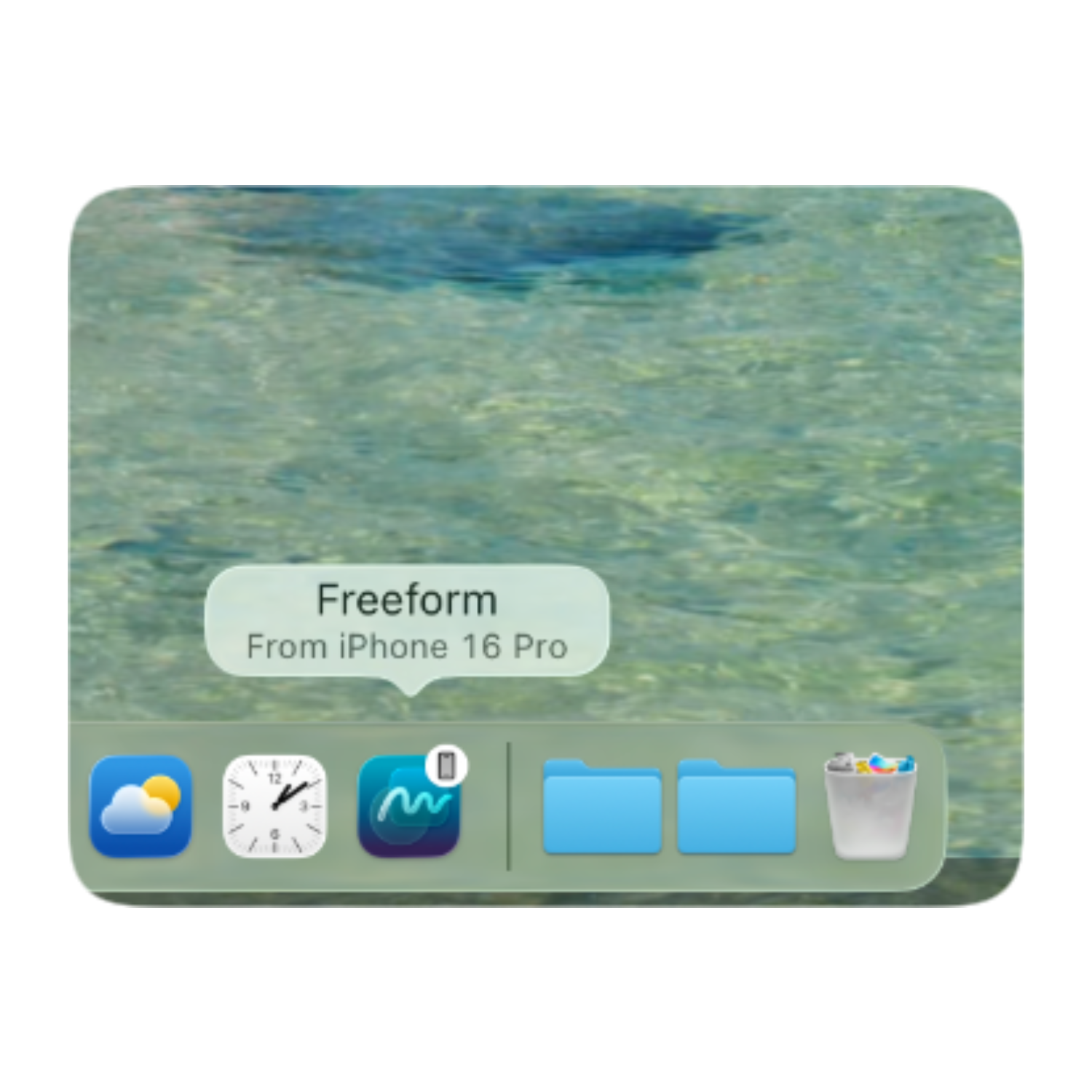
Continuity
Seamless integration across Apple devices with syncing, Handoff and AirDrop.
Accessibility
iOS is built to be used and adapted for anyone.
Latest Release
The latest version of iPadOS available
New in iPadOS 27
Siri AI
Siri now has personal context, on-screen awareness and a dedicated app to store your chats.
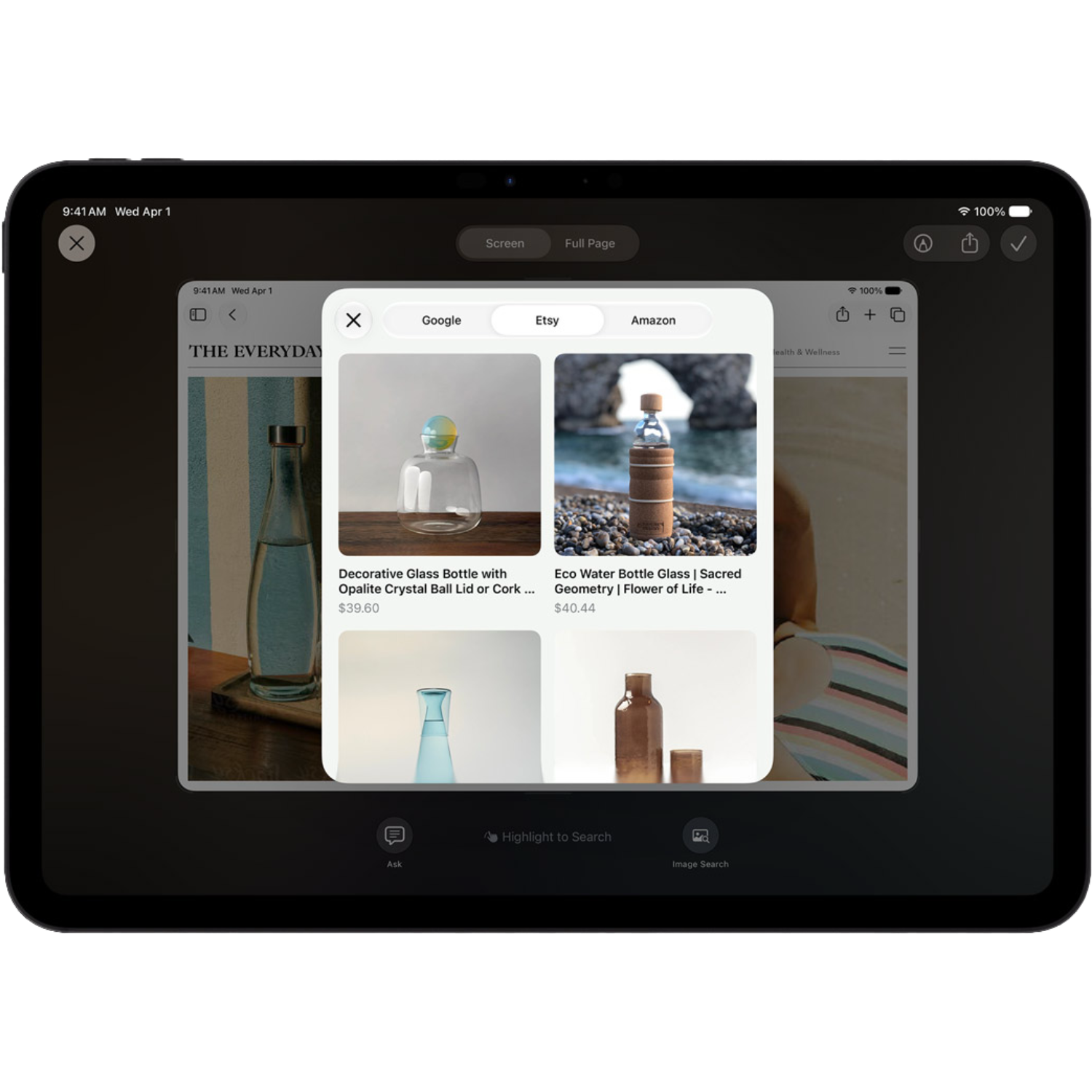
Visual Intelligence
Ask Siri about what's on your screen by taking a screenshot.
Performance
AirDrop is more reliable & Apps launch and load faster.
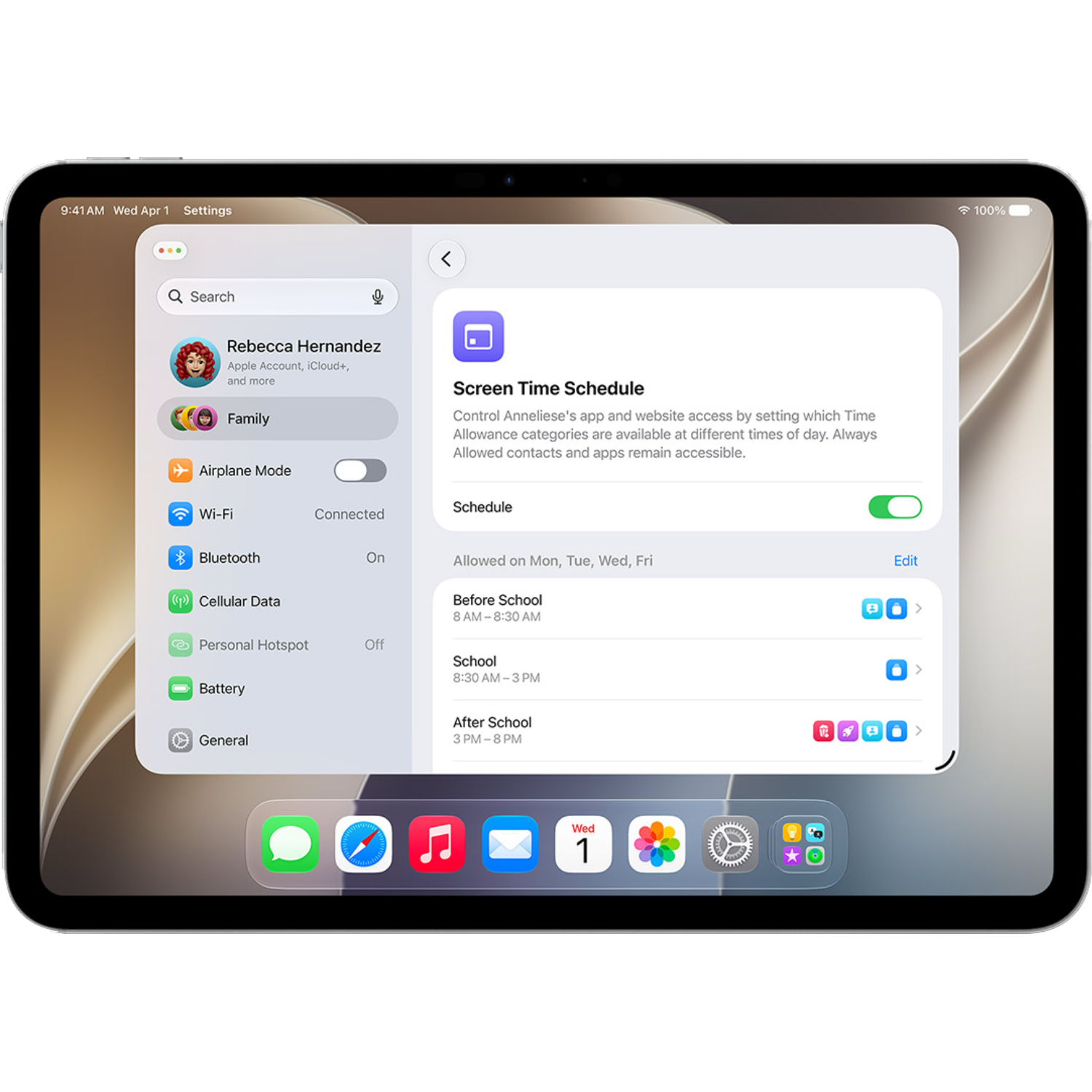
Child Safety
Time Allowances and Schedules have been introduced to Screen Time, along with the ability to approve new websites.
Network Transition
Seamless switching between Wi-Fi and cellular networks when out and about.
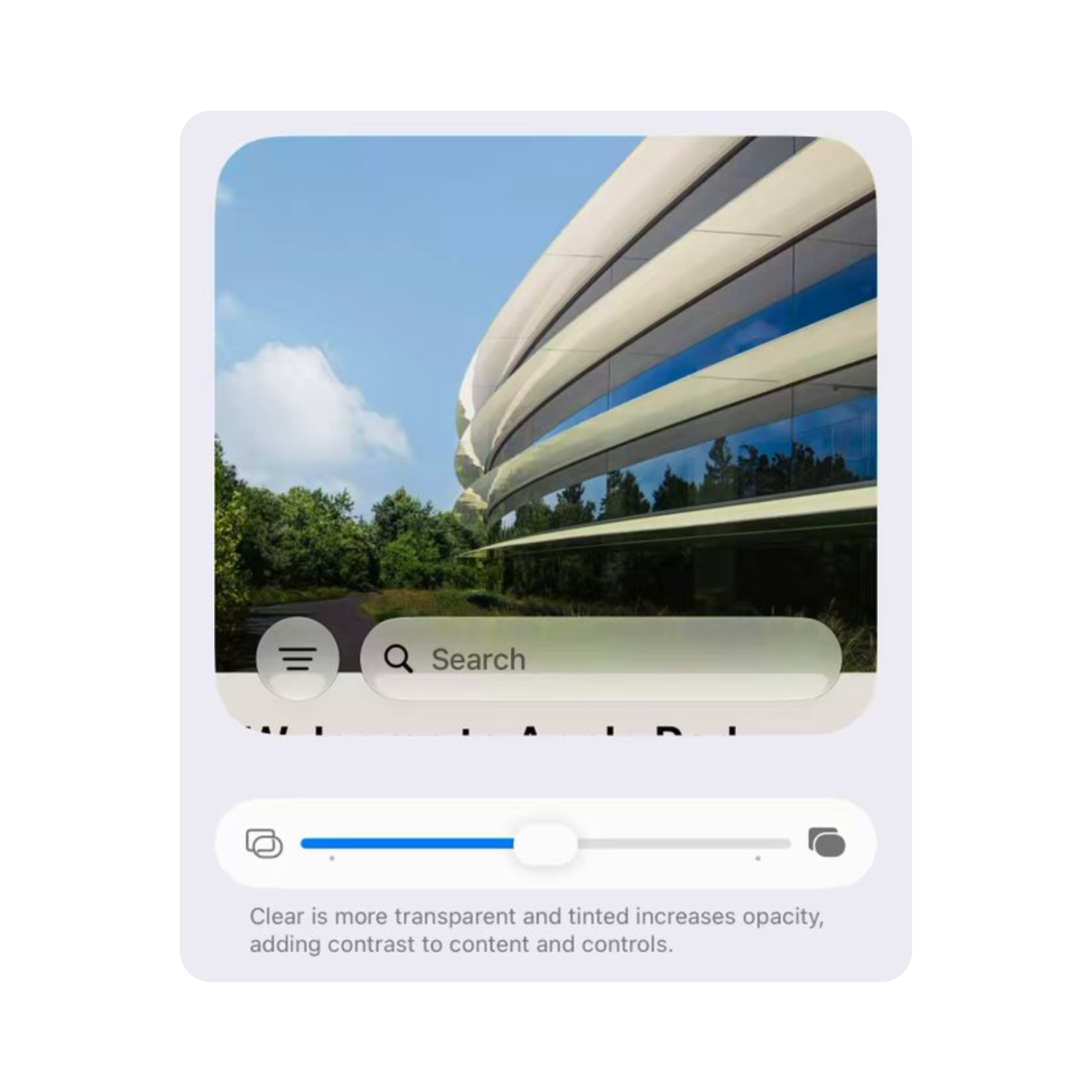
Design
Liquid Glass has been improved for better readability and users can now customise the transparency with a new slider.
iPadOS Essentials
Files
Pay securely with your iPhone in-store and online
Notes
Use the quick note gesture and jot down your ideas with your Apple Pencil
Freeform
Draw, Sketch, plan and get creative by turning your iPad into a canvas
Safari
Browse the web securely and efficiently
Find My
Keep track of your items, family and Apple devices
FaceTime
Connect with friends & family through video & audio
Apple TV
Watch hundreds of films and shows including Apple Originals
Games
Get game updates, Apple Arcade, Game Center and your library all in one place
Explore all built-in apps
Contacts
A dedicated app that stores and syncs all your contacts across your devices with iCloud, Microsoft, Google and other services.
FaceTime
Connect with friends & family through video & audio calls. You can also screen share and use SharePlay to watch content or listen to music together at the same time.
Messages
Apple's built in messaging service allowing you to send RCS, SMS and MMS messages in-addition to iMessages, which supports group chats, polls, Memoji, photos and videos.

Phone
Make and receive phone calls with this App, which supports Live Voicemail, Custom voicemail greetings, Hold Assist and Unknown Caller filtering.
App Store
The place to download all Apps for iPad.* The App Store is managed by Apple and is a trusted, safe place to make your downloads and includes millions of third-party Apps & Games.

Books
Millions of books and audiobooks available to download and buy from the Book Store, with no subscription required.
Games
This app combines all aspects of gaming on iPadOS into one hub, including updates from games you play, Apple Arcade, Game Center and the games library from the App Store.
Music
Listen to millions of songs with an Apple Music subscription. The Music app supports lossless audio and Dolby Atmos for the best listening experience. Without an Apple Music subscription, Apple offers free radio stations.
News
Get the latest top stories and receive breaking news alerts from a variety of news publications and sources and gain access to hundreds of magazines, newspapers, articles and recipes with an Apple News+ subscription.
Podcasts
Listen or watch hundreds of Podcast shows in this app for free, with the ability to subscribe to individual shows for additional benefits.
TV
Watch hundreds of exclusive Apple Original shows and movies with an Apple TV subscription or, buy and rent a variety of different Films and TV shows from different streaming services.
Calculator
The built in calculator that supports Maths Notes, Scientific calculations and conversions.
Calendar
Schedule and plan events with event reminders, push notifications and shared calendars. Calendars also support adding calendars including Sports Schedules, Birthdays and Global Holidays.
Files
Access and manage your device, iCloud or external storage files. Files works with third-party cloud services, including OneDrive and Dropbox.
Journal
Reflect on your day and log your mood.
Access, read and write your emails all in one place. Mail supports third-party email providers including Gmail and Outlook.
Notes
Jot down notes and add attachments including files, photos, PDFs and maps. You can shared notes with others and protect notes with sensitive information with your passcode.
Preview
Apple's built-in PDF viewer with tools so you can edit, sign, annotate, markup and export your documents.
Safari
The built-in default browser designed for your privacy by reducing website tracking and delivering fast speeds.

Camera
The built-in camera with photo, video, portrait modes, panoramas, slow motion and timelapse.
Clock
Set alarms, timers and stopwatches and find out the time anywhere across the globe with World Clock.
Magnifier
Magnifier is a tool built for blind or low-vision users to enlarge objects and text, read out text near you and can locate nearby doors and unoccupied seats.
Measure
This app uses the camera to measure objects in the real world and turns your iPhone into a spirit level.

Settings
Settings is where you can manage your device, connected Apple Account, Privacy, Notifications and many more iPad features.
Shortcuts
Automate processes on your iPad by setting conditions that will trigger an action if met.
Tips
A dedicated app with the iPad user guide and tutorials on how to use your iPhone.
Translate
Use this app to translate both text and audio from a different language. Translate supports Live Translation on certain AirPods models allowing you to hold a conversation with someone speaking a different language.
Voice Memos
Turns your device into a voice recorder so you can easily record the audio in any situation.
Find My
Locate your Apple Devices, friends, family members and items with an AirTag.
Fitness
Apple Fitness+ subscribers can use this app to workout and view the entire workout library.
Maps
Get directions and explore the world with Flyover and Look Around. Apple Maps allows you to download a map, so you can explore when offline.
Passwords
Let iPad manage your passwords for you by automatically generating and securing your passwords. The passwords app doubles as an authenticator to further protect your accounts.
Reminders
Set a timed reminder so you don't forget what you need to do and create shopping lists.
Stocks
Keep track of the stock market and latest news with integration from the Apple News app.
Weather
Check your local conditions, temperature and forecast.

Health
Log medications & view your health insights.
Home
Built a smart home with the Home app where you can control all accessories in one place including your HomePod, Apple TV, lights, speakers and cameras.
Siri
A conversational intelligent assistant that knows your personal context and can help you get things done.
Image Playground
Generate images with AI, including integration with third-party services such as ChatGPT.
Photo Booth
Take fun and playful selfies with the built in face filters.
Freeform
Draw, sketch and plan in the freeform App with an infinite canvas.
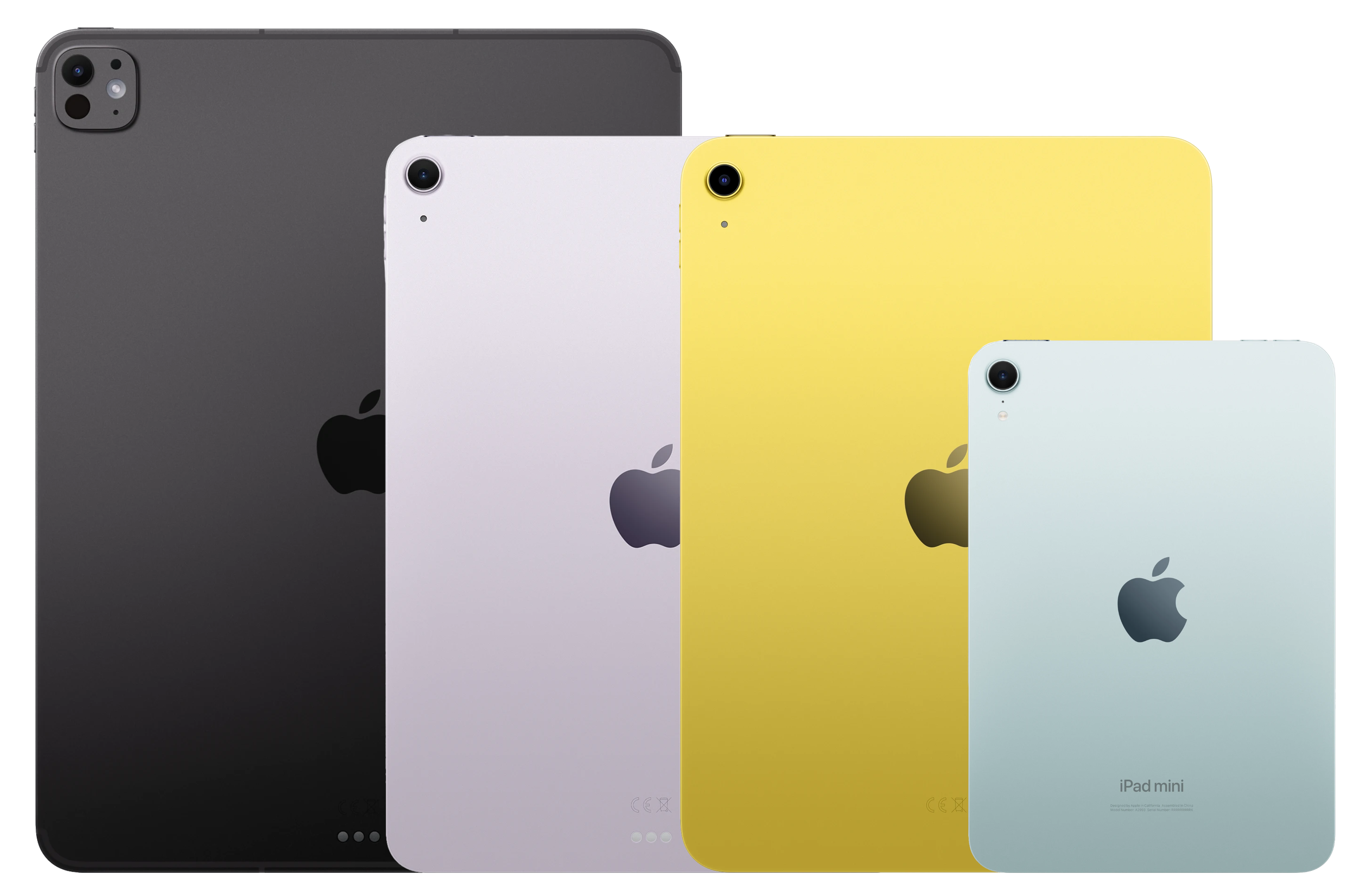
iPadOS 27 is compatible with these devices
- M4 and later
- 12.9-inch 4th generation and later
- 11-inch 2nd generation and later
- M2 and later
- 11-inch 4th generation and later
- A17 Pro
- 6th generation
- A16
- 10th generation
- 9th generation
Apple Intelligence & Siri AI is compatible with these devices
- M1 and later
- M1 and later
- A17 Pro