macOS 27 Golden Gate
Explore the operating system behind the Mac
Get to know macOS
Finder
Everything revolves around Finder. Find, organise and manage your files, movies, apps and connected Apple Devices here.
Spotlight
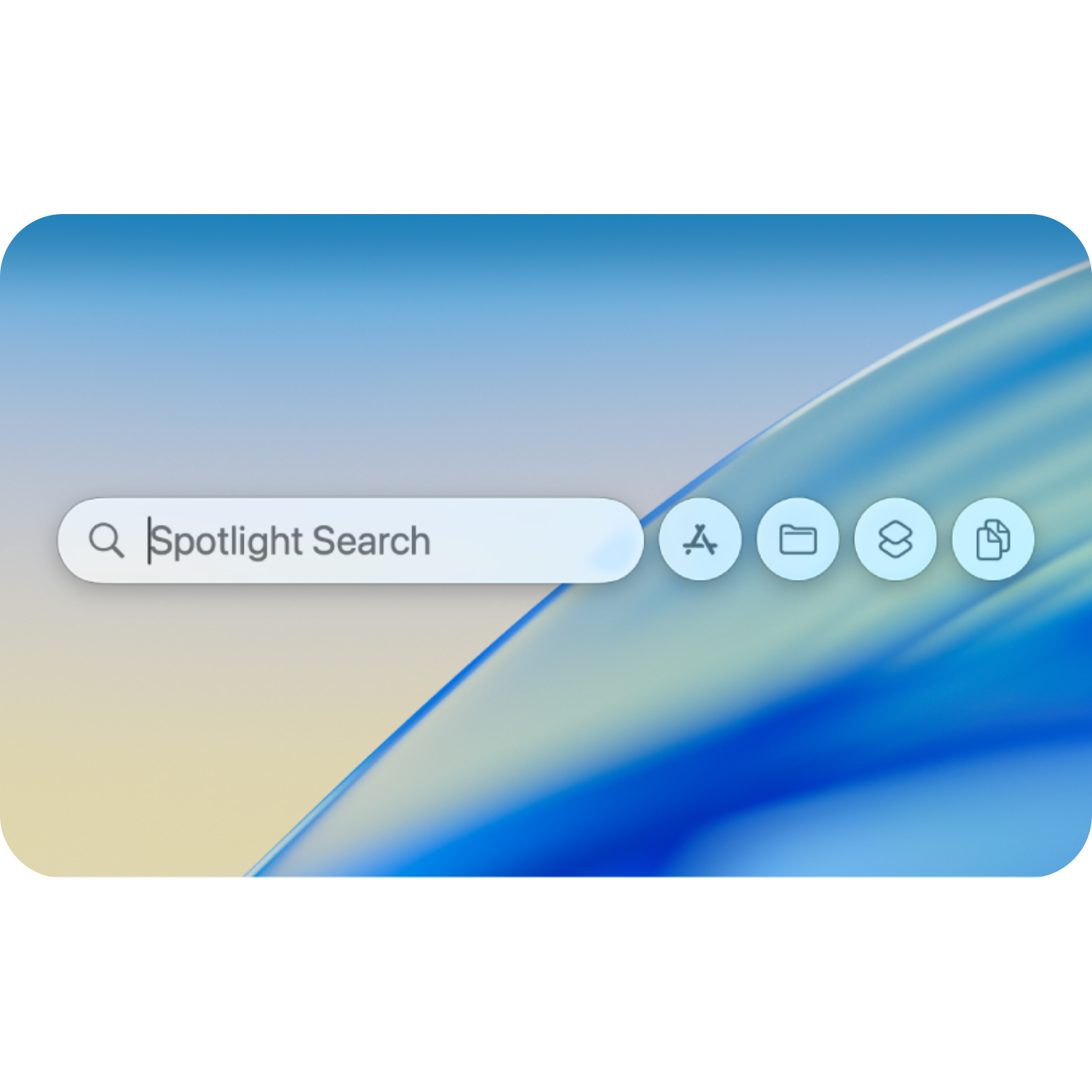
Search the web, find documents on your Mac, access your clipboard and take quick actions, all under one keyboard shortcut.
Menu Bar
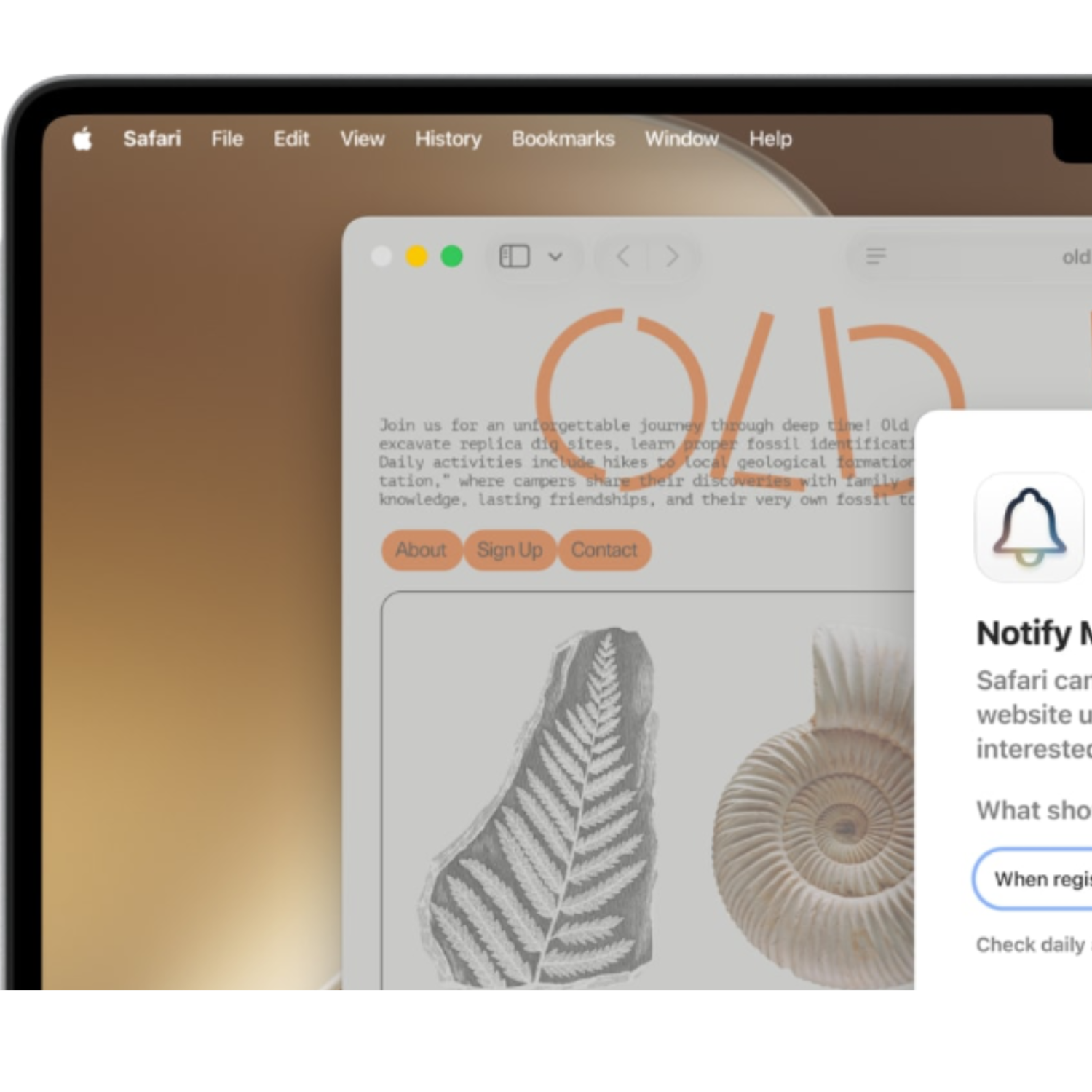
The menu bar gives you quick access to settings, control centre and in-app actions. Plus, a help tab, so you can use the search bar to find any feature you need.
Apps
Mac works with all the popular apps including Microsoft 365, Adobe Suite and Google Chrome. You also get built in productivity apps like Pages, Numbers and Keynote.
Multitasking
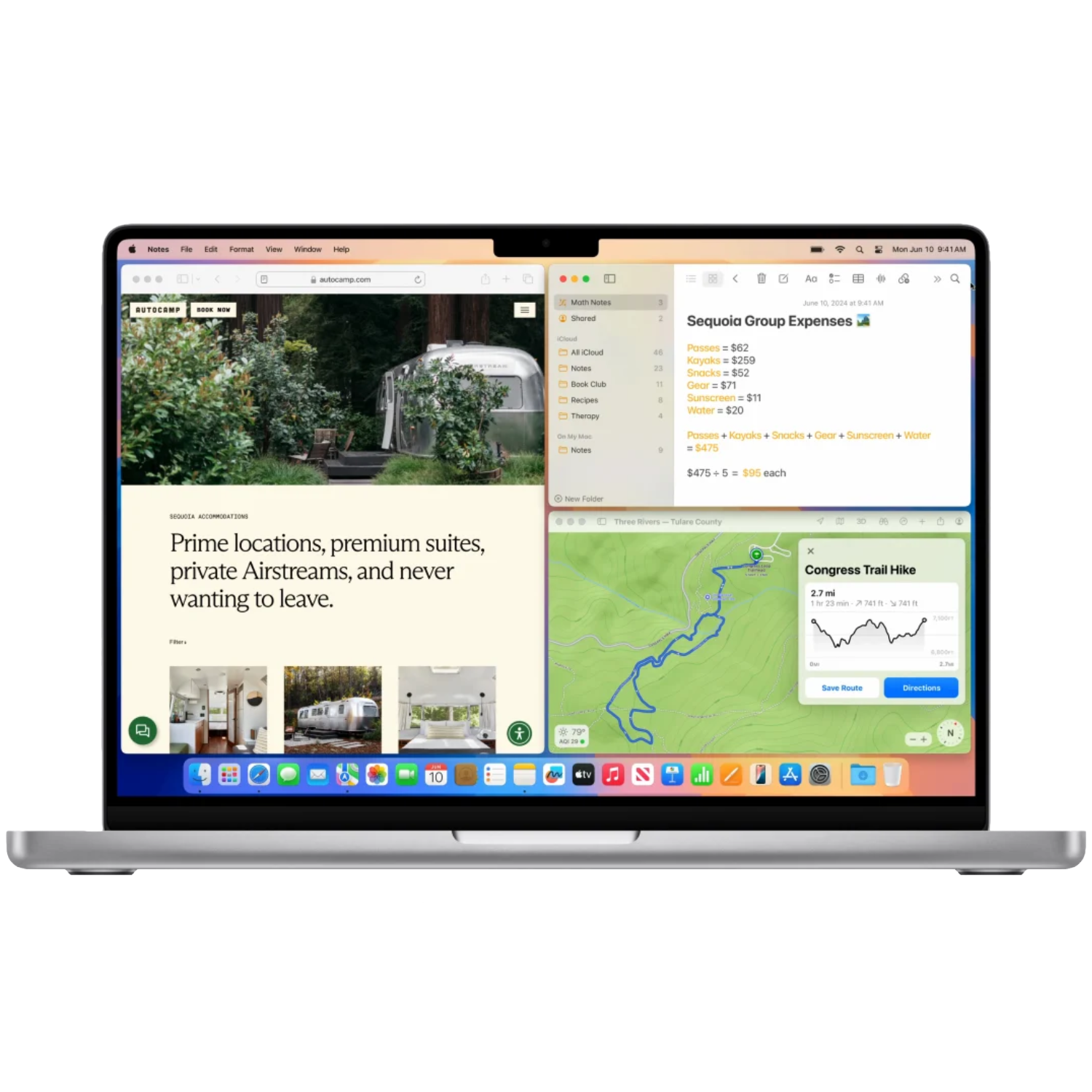
macOS supports window tiling, Stage Manager, Mission Control, multiple desktops and more.
Security
Mac comes with XProtect, built-in antivirus software that checks for malware when an app launches, a file changes and when dowloading apps from the web.
Continuity
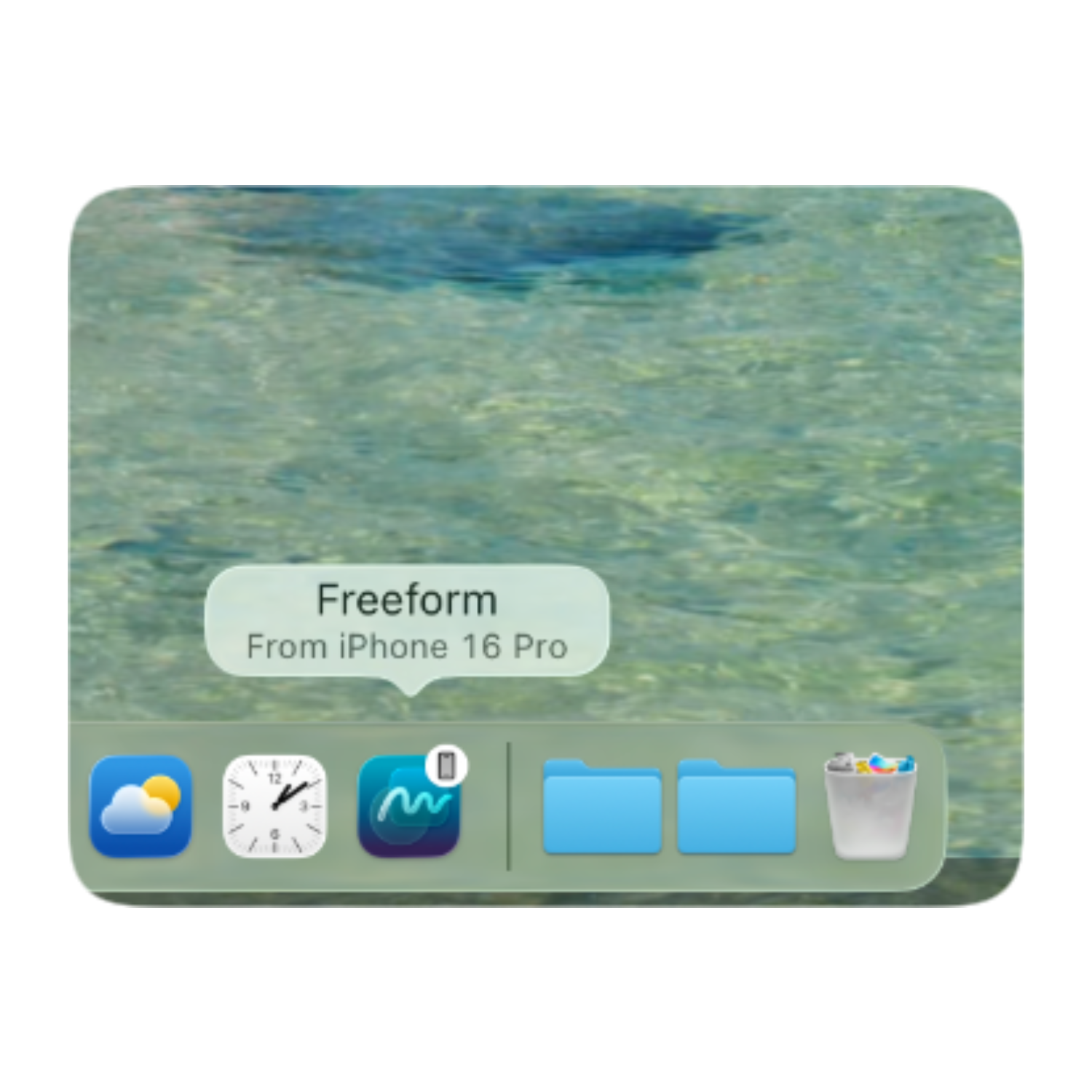
Seamless integration across Apple devices with syncing, Handoff and AirDrop.
Latest Release
The latest version of macOS available

New in macOS 27 Golden Gate
Name
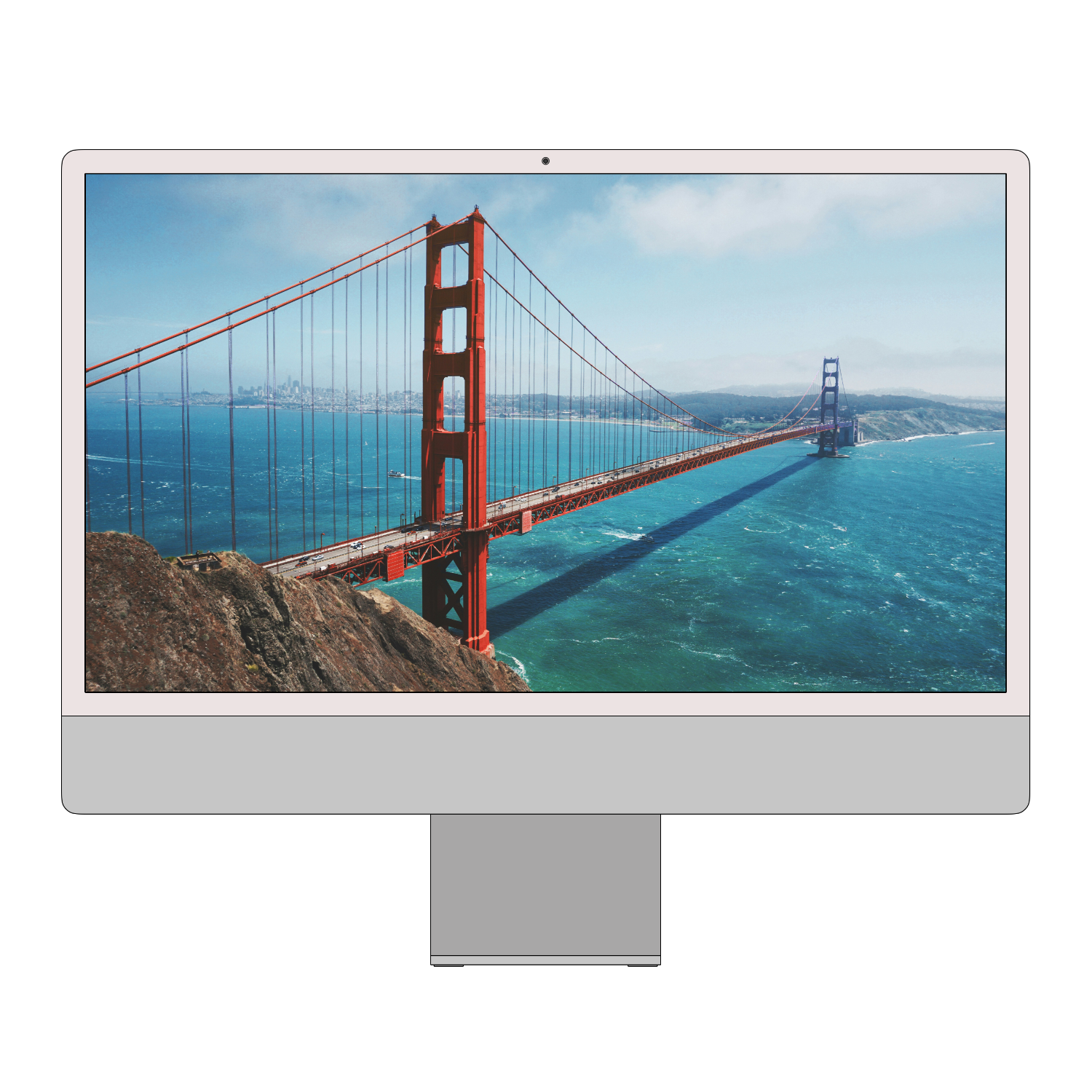
It is tradition that macOS receives a unique name each year. This release has been named macOS Golden Gate.
Siri AI
Siri now has personal context, on-screen awareness and a dedicated app to store your chats.
Performance
AirDrop is more reliable & Apps launch and load faster.
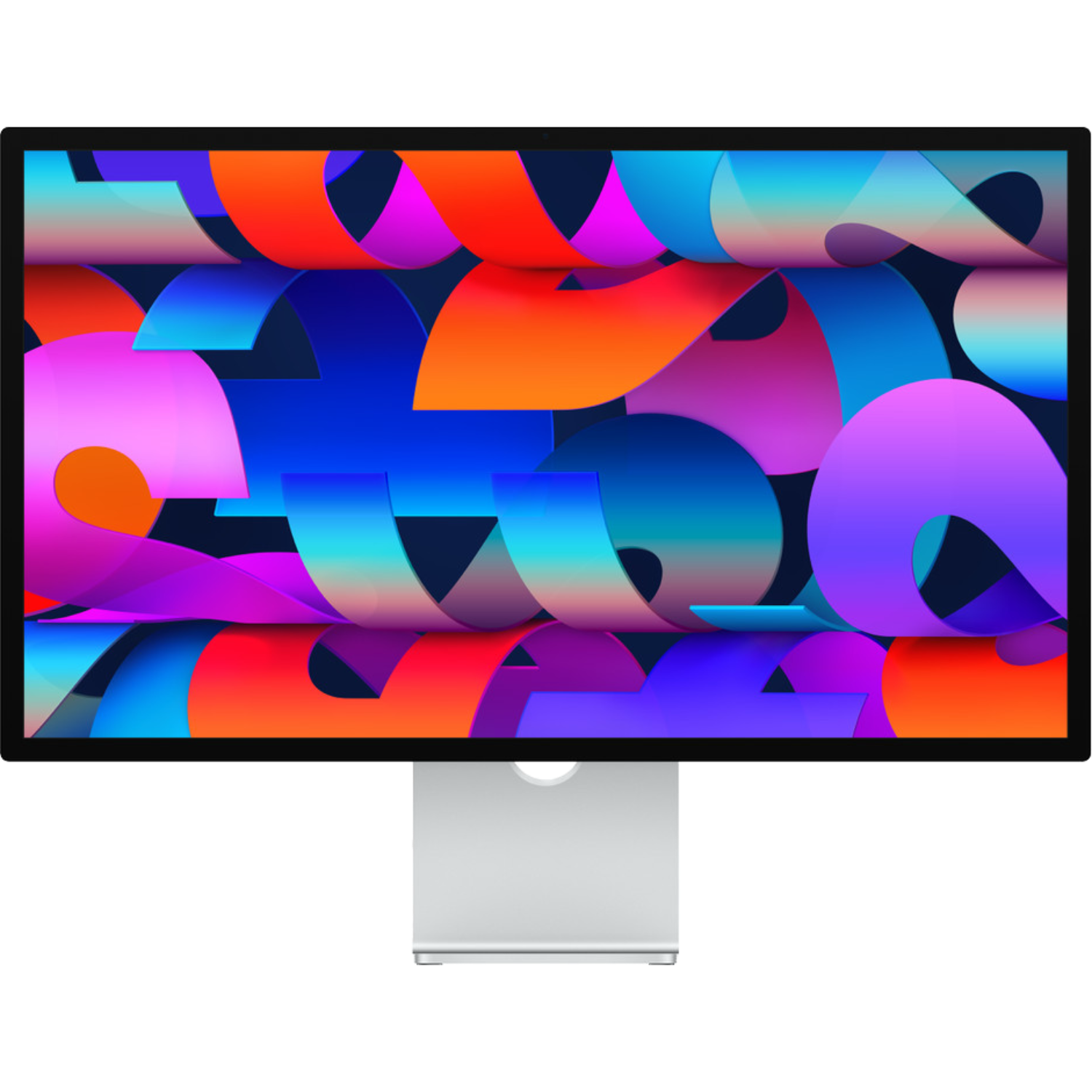
Ultra-wide Displays
macOS now supports ultra wide displays, including 5K and 120Hz as seen on the Apple Studio Display XDR.
Video Podcasts
The built-in podcasts app now supports video, a feature previously exclusive to iOS and iPadOS.
Design
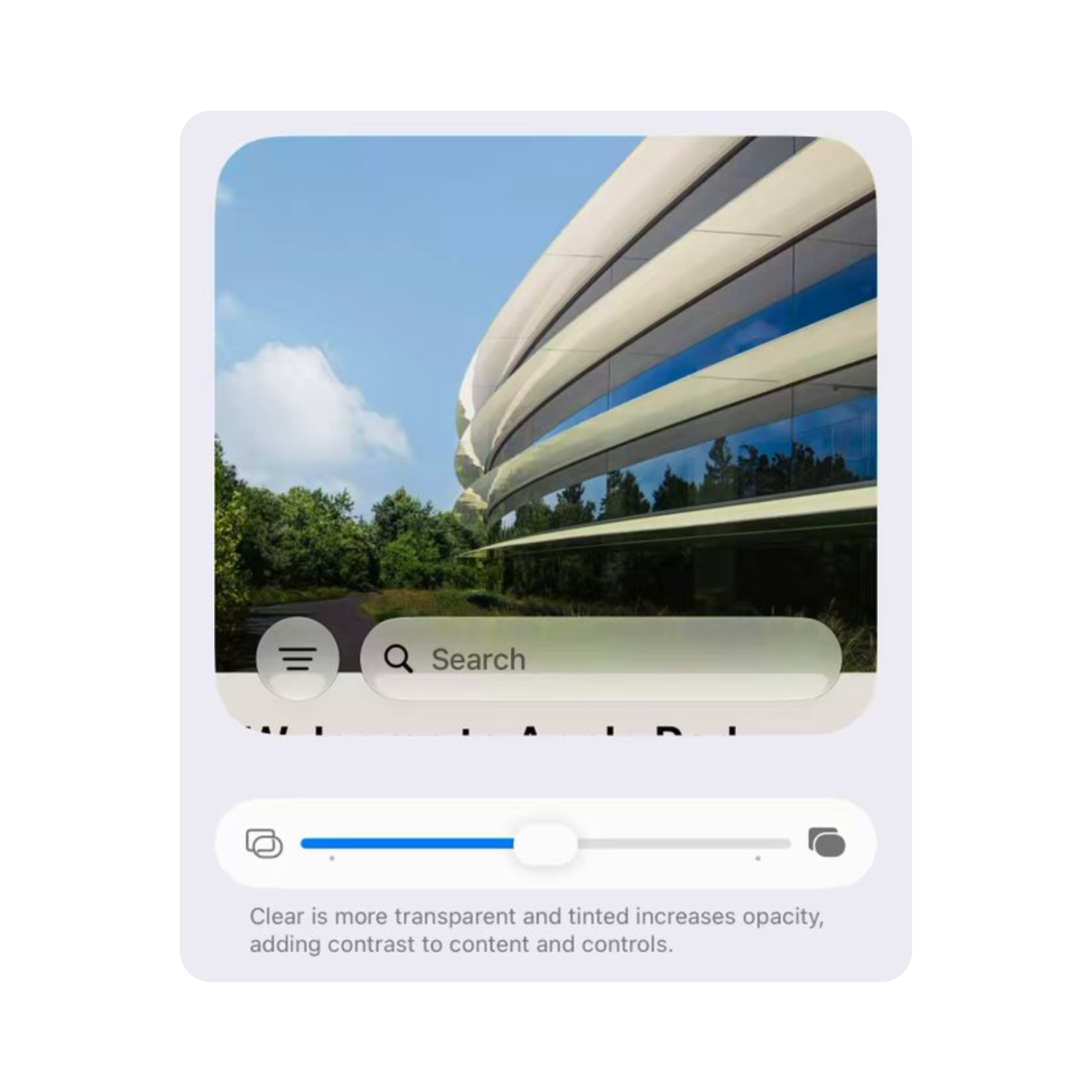
Liquid Glass has been improved for better readability and users can now customise the transparency with a new slider.
macOS Essentials
Finder
Browse your computer files, documents and apps
Safari
Browse the web securely and efficiently
Activity Monitor

Monitor the system performance and usage data
iPhone Mirroring
Access and control your iPhone from your Mac
Find My
Keep track of your items, family and Apple devices
FaceTime

Connect with friends & family through video & audio
Apple TV
Watch hundreds of films and shows including Apple Originals
Games
Your entire gaming library in one place, including third-party games
Mac FAQs
Do I need to use the App Store?
No. You can download apps directly from the web and install third-party app stores, like Steam or the Epic Games App.
Does Mac work with iPhone and iPad?
Yes. Your Mac can receive iPhone notifications, handoff to your other devices, use your iPad as a second display and more.
Is macOS easy to use?
Yes. macOS is designed to be user-friendly and uses the same familiar apps, dock and icons as iPhone and iPad.
Is Mac Secure?
Yes. Mac comes with built-in antivirus software that checks for malware when an app launches, a file changes and when dowloading apps from the web.
Can I play games on Mac?
Mac has a limited gaming selection compared to other platforms. Whilst titles are available on Mac, Windows will suit your needs better if your primary use is gaming.

Can I customise my Mac?
Yes. macOS is extremely customisable including desktop backgrounds, dock size, app icon colours, custom folder icons, dark mode and a liquid glass slider.
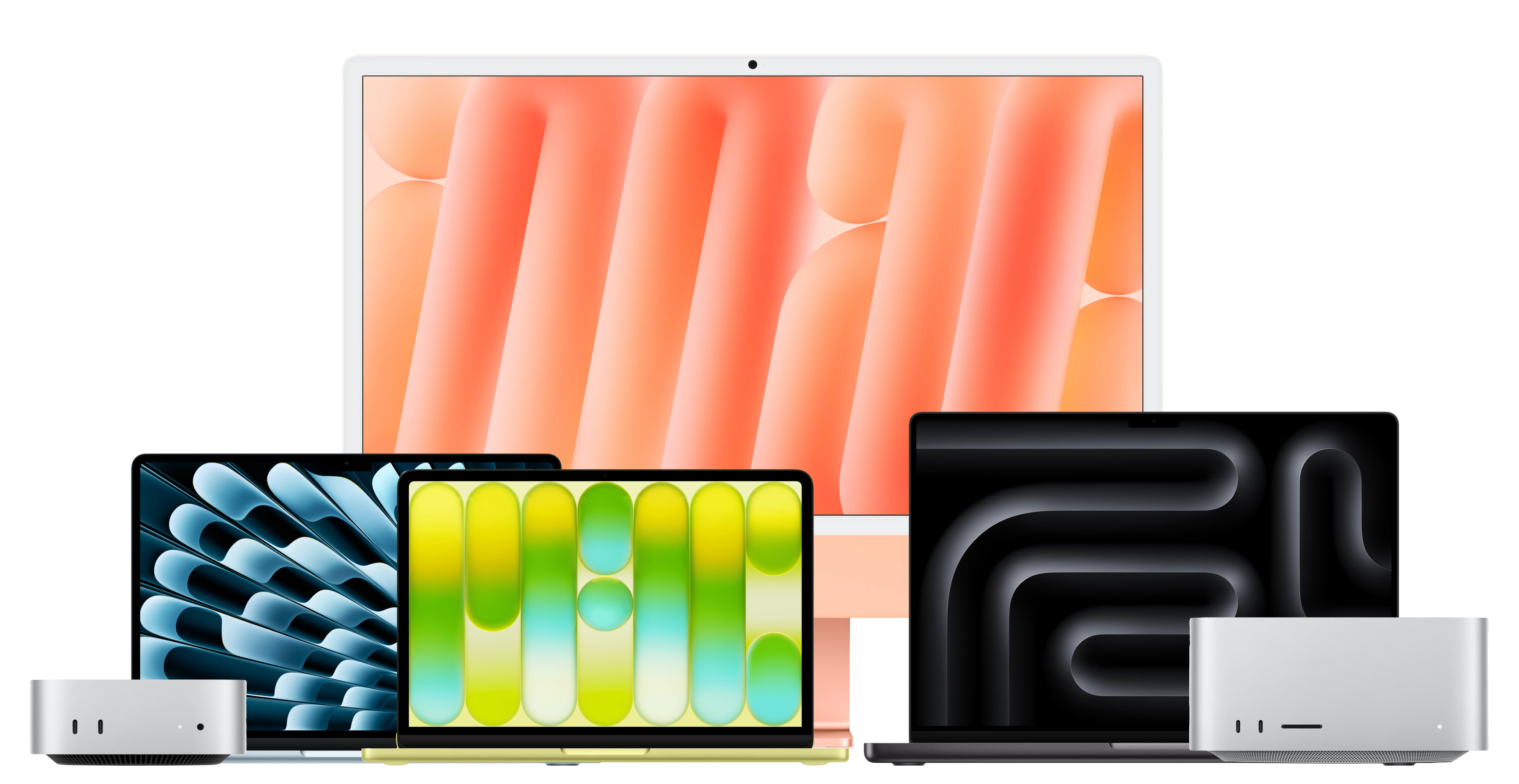
macOS 27 Golden Gate is compatible with these devices
- A18 Pro (2026)
- M1 (2020) and later
- M1 (2020) and later
- M1 (2020) and later
- M1 (2020) and later
- M1 Max (2022) and later
- M2 Ultra (2023)