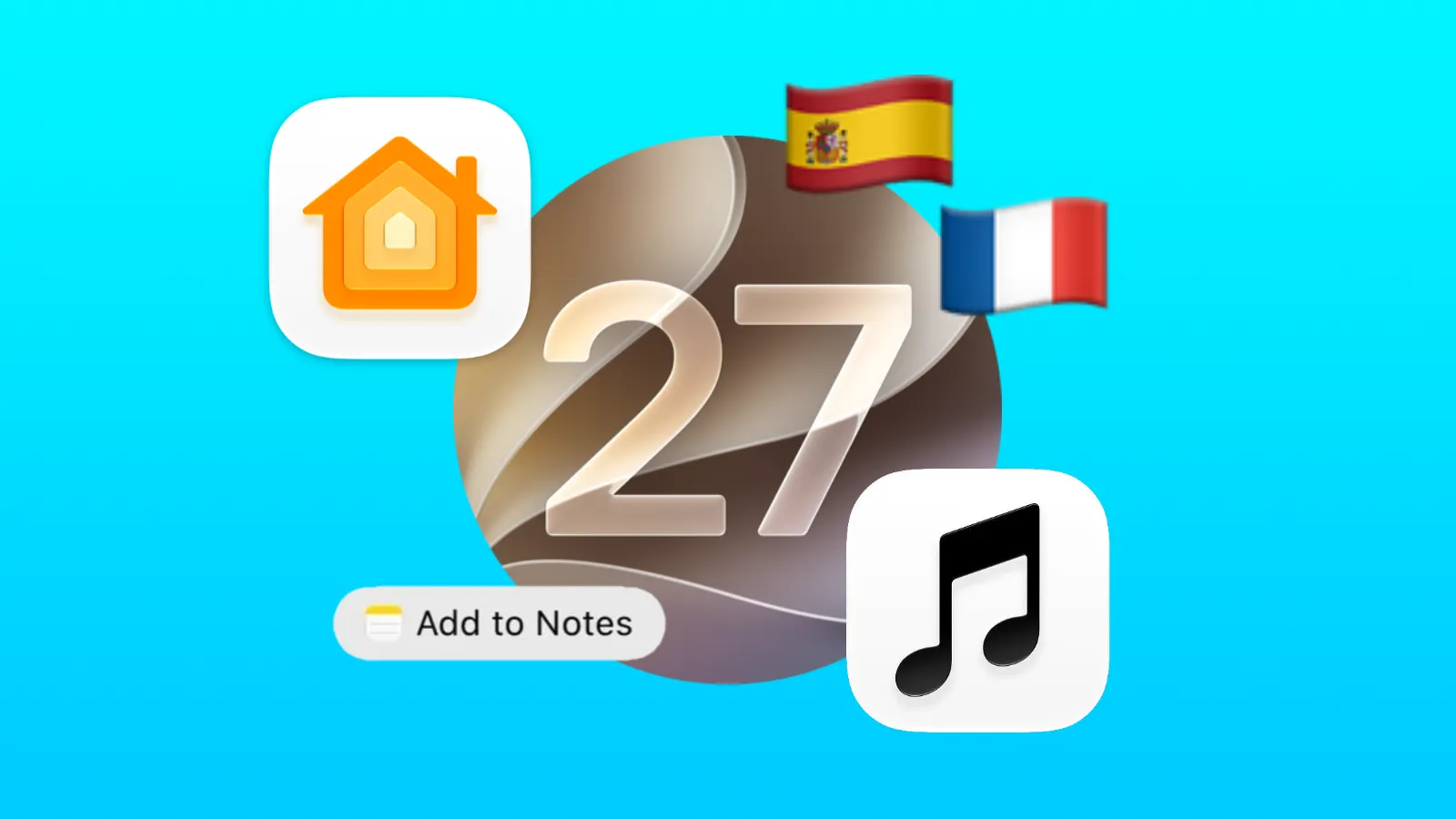
Apple has released new updates to all users who use version 27 capable devices, including iOS 27.2, iPadOS 27.2, macOS Golden Gate 27.2, watchOS 27.2, tvOS 27.2 and visionOS 27.2. Here's everything that has changed, and why Apple has jumped from 27.0.1 straight to 27.2.
Where's 27.1?
Apple released iOS 27.1 last week exclusively to the iPhone Duo, to make final adjustments to the different form factor and adapted UI of the device ahead of public release on Friday, 23rd October. This means most iPhone users will not have received an iPhone update since late September, with iOS 27.0.1.
As for the other platforms, they have all skipped version 27.1, likely for Unity across all of Apple's operating systems so that they remain on the same number.
Everything New in 27.2
iPhone Duo Apple Pencil Support
Apple has officially rolled out Apple Pencil support on the iPhone Duo with iOS 27.2.
If you have an Apple Pencil (USB-C), it can connect to your iPhone Duo and works on both the inner and outer display. Unfortunately, if you have the more expensive Apple Pencil Pro, or any other pencil model, it will not work.
Apple Music Rebrand
Following the official announcement of the Apple Music rebrand last week, Apple has rolled out a new app icon and accent colour within the Music app across all platforms in the latest update.
The red colour theme has been removed, as the App is now a simple white background with a black music note. This is reversed when in dark mode, and the icon does support the clear and tinted modes.
Within the app, the red accent colour has been replaced with the default blue colour, which is used in most other apps.
The Apple Music word mark has also been updated, though this is not related to 27.2, and was quietly updated on Friday last week.
Podcasts
Apple Podcasts has received an extremely minor change, with the top 'Up Next' title renamed to 'New Episodes' to better reflect the content that is shown there.
Apple TV Profiles
The Apple TV App now supports different user profiles, after previously being locked to just the Apple Account which was signed in to that device. Apple has provided the option to add profiles by clicking on your profile picture in the top right of the TV app, and you will have the option to customise a profile picture, name and toggle whether it is a Child Account.
Additionally, each profile can have its own 4-digit passcode for privacy purposes, and you can customise the autoplay options on each individual profile.
Home App Updates
There is a new 'Touch & Visualisation' setting in the Apple Home app which allows you to toggle the new Sound Glow feature on HomePods, as well as a highly requested feature to disable the touch controls on the top of HomePod and HomePod mini.
By default, you can press the top of a HomePod once to play music, to adjust volume, or double tap to skip content. However, users have sometimes reported 'ghost touch' where the HomePod will start playing content without input. It appears this issue can finally be resolved.
Phone Call Anniversary Reminders
If you're on a phone call with someone, and you have their anniversary saved in their contact card, it will let you know on screen as a reminder. Apple introduced this call context feature in the initial release of version 27, with support for other important dates such as birthdays.
iMessage Suggested Actions
Suggested Actions in iMessage has made a return, after it was initially featured in the WWDC26 keynote in June and early beta versions, before it was pulled from the initial September release.
Suggested Actions appear under messages and are little buttons that can detect events, reminders or locations and prompt you with quick actions you can take.
Apple has added an option to toggle these off, with individual switches too, for:
- Add to Calendar
- Add to Reminders
- Add to Notes
- Show in Maps
- Flights and Packages
Additional Siri AI language support
Apple has rolled out support for five more languages with Siri AI, following an English-only launch. The new supported languages are:
- 🇫🇷 French
- 🇯🇵 Japanese
- 🇰🇷 Korean
- 🇵🇹🇧🇷 Portuguese
- 🇪🇸 Spanish
FaceTime Updates
You can now use FaceTime's dual capture on a group FaceTime call if using a supported iPhone Model. (iPhone 17 and later, excluding the iPhone 17e)
Apple Books UI
The user interface of Apple Books has been refreshed to better match the rest of Apple's iOS and iPadOS apps. This is a very minor change.
App Tracking Transparency Changes
Apple has rolled out changes to its App Tracking Transparency Framework to comply with new EU legislation. There is now an 'alternative expanded prompt' in the settings app for users in France, Germany, Italy, Poland and Romania. Additionally, users in the EU will be re-prompted with the tracking pop-up every year.
These changes do not affect any other nations, including the UK, US, Canada and Australia.
Widget Bug Fixed
It appears that the viral bug, where if you moved widgets around in a certain way it could cause your iPhone screen to flicker and crash, has been fixed in iOS 27.2.
Revamped Health App Missing
Apple has not shipped its revamped Health app in this version, despite it appearing in the iOS 27.2 and iPadOS 27.2 betas. It was removed in a previous beta version, and was not present in the final Release Candidate (RC) last week.
Apple offered an explanation for this, in the RC notes:
The redesigned Health app is not included in this beta and was available in the previous beta for testing purposes only... The redesigned Health app will be available again in an upcoming iOS beta.
Who can install version 27.2?
If your device is currently running any version of iOS 26, iOS 27, iPadOS 27, macOS 27, watchOS 27, tvOS 27 or visionOS 27 you will be able to update.
If you're still unsure, here's the full version 27 breakdown of supported devices:
iPhone
- iPhone 11 (2019) and later
iPad
- iPad (9th generation and later) or iPad (A16)
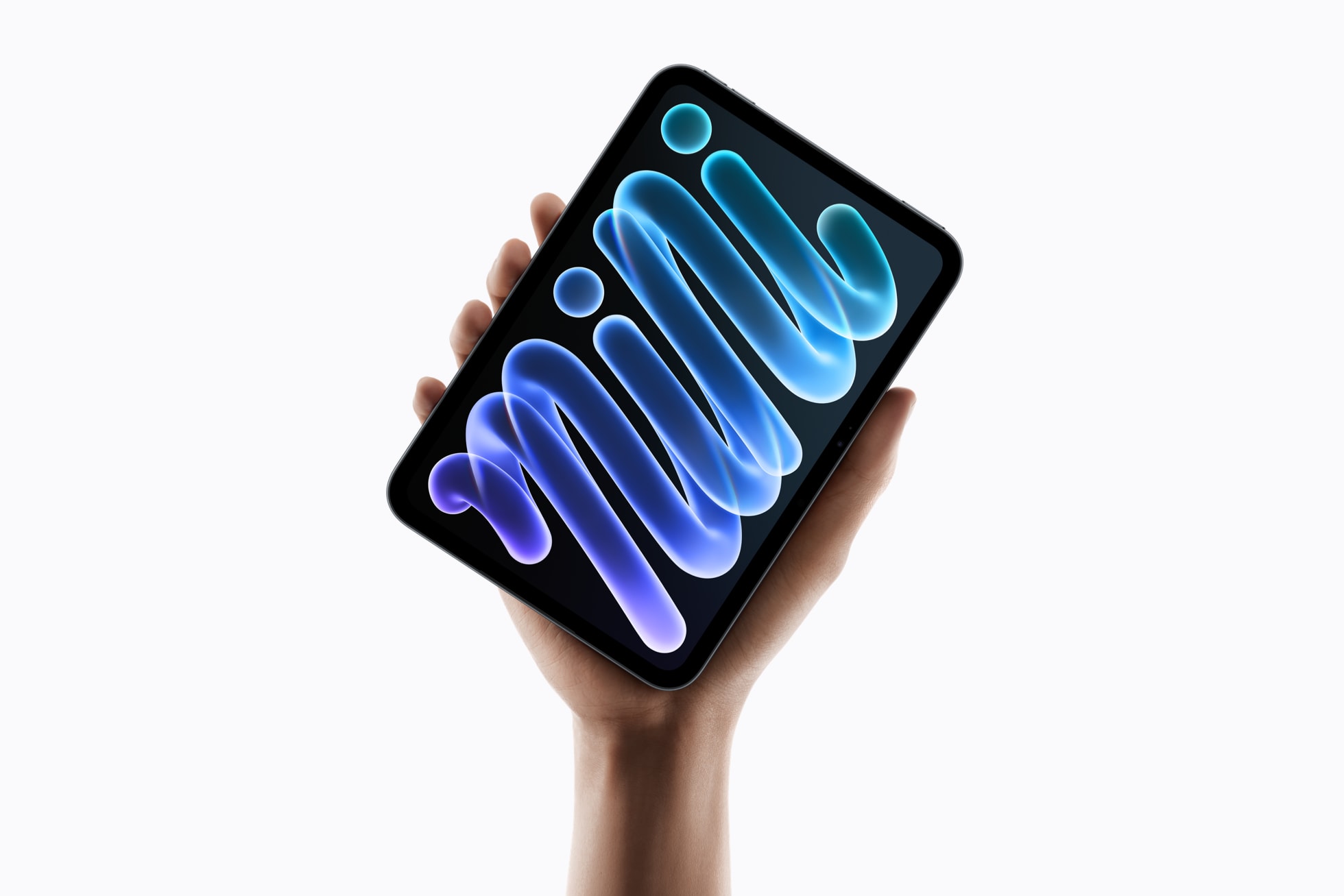
- iPad mini (6th generation) or iPad mini (A17 Pro)
- iPad Air (4th generation and later) or with an M-series chip
- iPad Pro 12.9-inch (4th generation and later) or 11-inch (2nd generation and later) or with an M-series chip
Mac
- All Apple Silicon Macs (M1, M2, M3, M4, M5, M6)
Apple Watch
- Apple Watch Ultra 3 or Ultra 4
- Apple Watch Series 9, 10, 11 or 12
- Apple Watch SE 3
Apple TV 4K
- 2nd, 3rd and 4th generation (2021 and later)
Apple Vision Pro
- All models (M2 & M5)