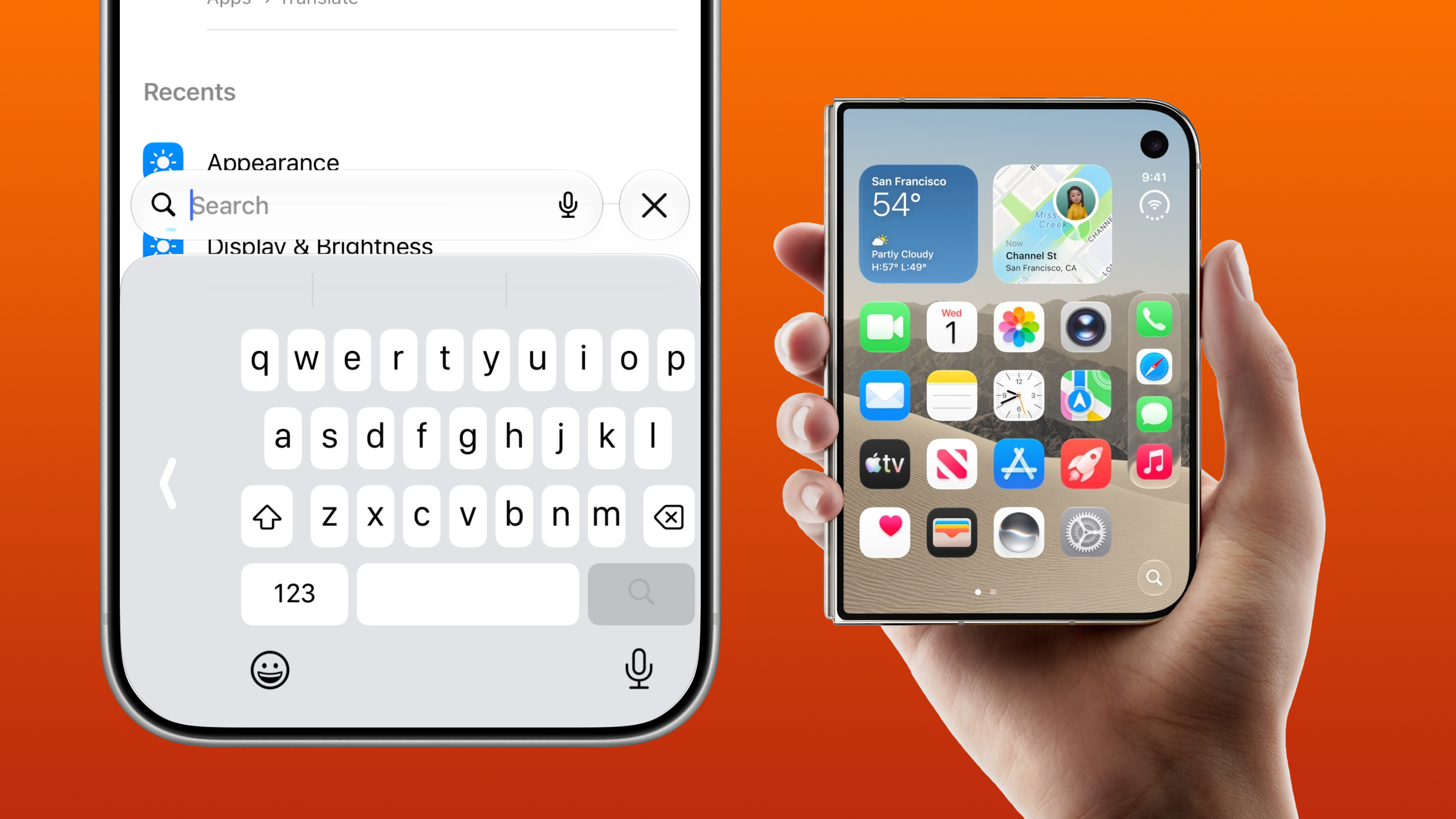
Apple's brand new iPhone Duo will be available to pre-order next week, with customers beginning to get their hands on the device in just two weeks’ time. Amid all the excitement, one concern remains: keyboard reachability on the wider front display.
Most iPhone models up until the iPhone Duo have had a thin screen which makes it easy to reach every letter on the keyboard. However, Apple's Pro Max iPhone displays have become a size which is beginning to become unreachable for users with smaller hands.
This problem is also expected for the iPhone Duo, with its significantly wider form factor that could cause reachability problems for most users.
So, what's the solution to this problem before you spend £2,000 on this device?
Shift the keyboard to the left or right
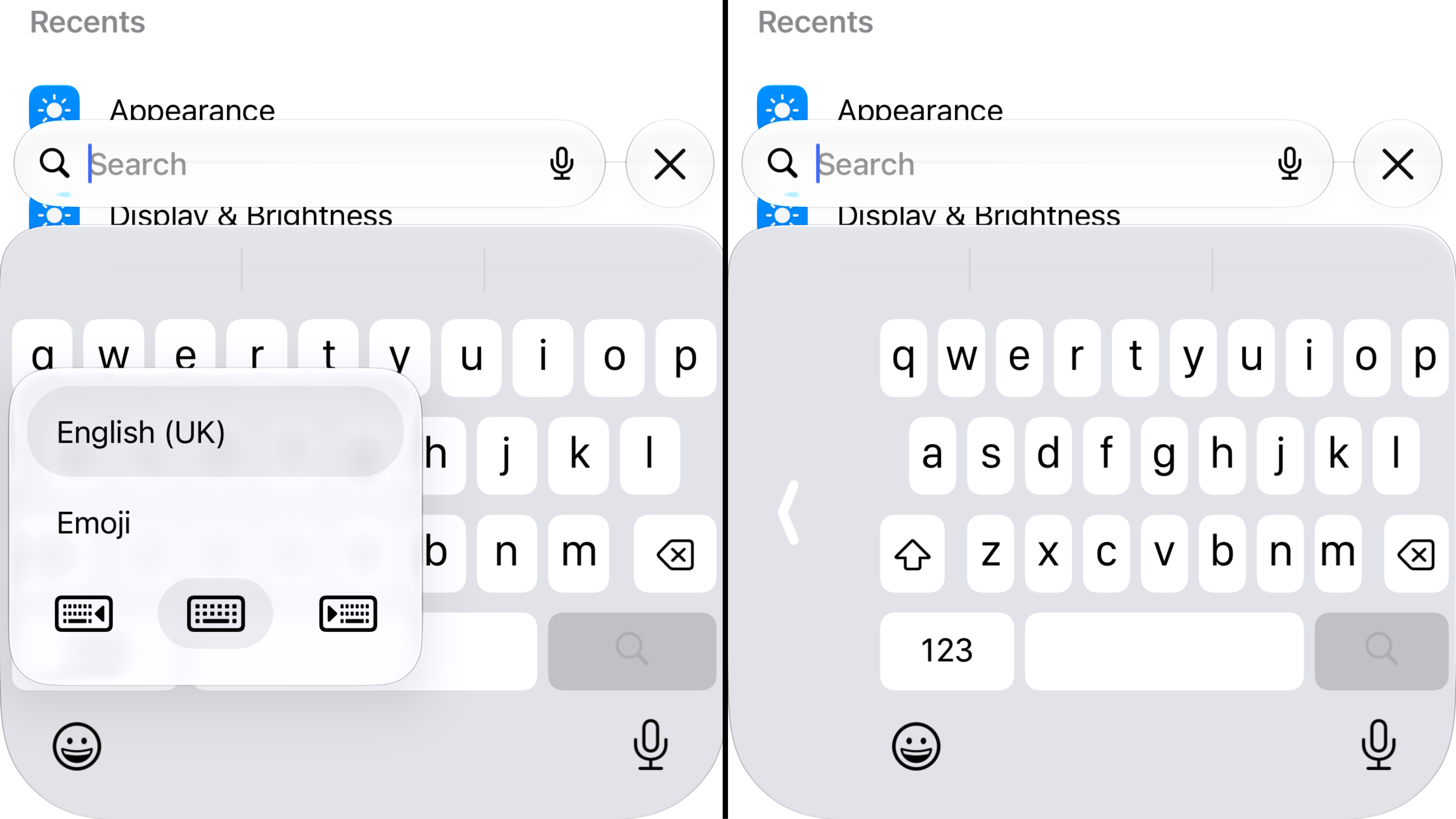
All iPhones have an option to shift the keyboard to the left or right. This squashes the keyboard keys together for better reachability when typing with one hand.
It is simple to shift your keyboard, and it is a hidden setting that can be changed from the keyboard itself.
1. Press and hold the emoji icon
In the bottom left of your keyboard there is an emoji icon which if you tap it brings up the emoji keyboard.
However, if you press and hold on that icon a small panel will appear with your keyboard language, emoji keyboard and three keyboard icons.
2. Click the keyboard icon with the arrow
There are three keyboard icons, two with arrows.
The keyboard with the arrow pointing left will shift your keyboard keys to the left, and the keyboard with the arrow pointing right will shift your keyboard keys to the right.
Of course, the option you choose will depend on if you're using your iPhone in your left or right hand.
That's it. Now your keyboard is easier to reach with one hand.
Return to normal keyboard
To return to the normal keyboard, simply press and hold the emoji icon again and select the middle keyboard icon with no icon. Or, even easier, you can tap the large arrow that appears to the side of the keyboard.
This setting should help new iPhone Duo users type with one hand on the outer display like they are used to on other iPhones they have used before. Additionally, if you're struggling to fully reach the keyboard on your current iPhone, this setting is available for your iPhone as well.