Apple's M4 Mac mini made its debut in October 2024, bringing an all-new compact design and bumping up the base model RAM from 8 to 16GB. This was a major improvement two years ago, but is this base model still enough?
Design
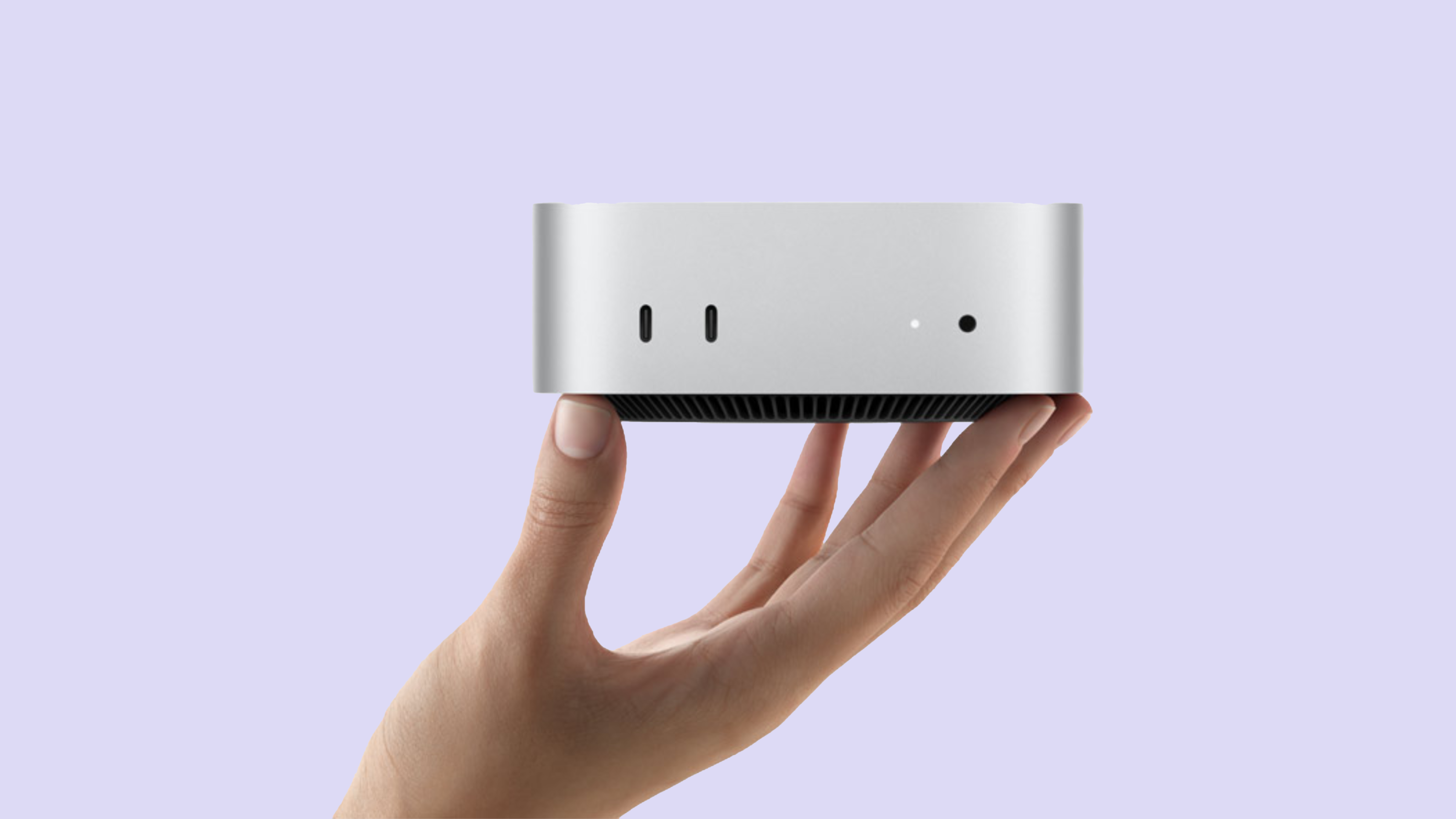
The Mac mini is one of the best-designed desktop computers you can buy. The compact aluminium cube fits in almost anywhere and can be tucked away under a monitor, or even attached to the back of one if you want it out of the way.
The small design is a major benefit over traditional tower desktop PCs which take up a large amount of room on your desk, or need to sit in your way on the floor.
The new design of the M4 Mac mini reduced the footprint of the device, so it takes up even less room on your desk.
Additionally, Apple introduced ports to the front of the Mac, which I have found very useful when charging my Magic Accessories or other devices, such as my iPad mini.
The device also has a front headphone jack, though I have not used this once.
Performance
The base model Mac mini is surprisingly capable, and can go from being a simple home office computer, to a gaming or even development machine.
During the past two years, I have thrown many different things at my Mac mini, including gaming, software development, light video editing, basic productivity and web browsing tasks and even virtual machines.
At the start, the base model M4 Mac mini was great at all of this, but I have found that as the device gets older, and my storage continues to increase, I often run out of memory in the middle of a task.
The M4 itself has aged surprisingly well. My biggest limitation isn't CPU performance, but it's the 16GB of unified memory combined with the tiny 256GB SSD.
256GB Storage
256GB of storage is not enough for your main Mac workstation in 2026. It probably wasn't enough in 2024, either.
Over the past two years my base model Mac mini has gone from a simple home office computer, to a full-on development Mac which I have used to build, deploy and manage this website itself.
I may often have many Safari tabs open at once, alongside dozens of tabs in Visual Studio Code and Pixelmator Pro, and end up running out of memory and having to force quit my apps to continue, which is frustrating when you're in the middle of developing something.
This has led me to consider upgrading my otherwise great Mac - to another Mac mini with just higher memory and storage configurations.
Price
I bought the M4 Mac mini when Apple sold the device for £599. With the student offer, I was able to grab mine for £499 - a great deal for a computer this powerful.
Over the course of these two years, the price has jumped up to £799, with Apple increasing the price again to £899 when they released the M6 Mac mini in August 2026.
Today's £899 will get you the same 16GB memory, 256GB SSD configuration as £599 could get you two years ago, which feels a very steep price for a configuration that may only last you a couple of years.
So, is the base Mac mini still enough?
Yes, if you're not buying it to be your primary workstation for running a major project, such as a website.
In 2024, the base model was enough for me as a home office device, but my use cases have changed since then that the Mac is no longer meeting my needs.
For everyday productivity, development, browsing and even some creative workloads, it is still an extremely capable desktop. The problem is the 16GB of memory and, particularly, the 256GB SSD.
If you're buying a Mac mini today, I'd spend the extra money on memory and storage rather than a faster chip. I am currently looking at upgrading to the 32GB memory, 1TB SSD configuration, which should then fit my needs.
You should also look at these configurations, if you feel you may need more power in the years to come.